Getting started
Worker onboarding
Accept an invitation and prepare the worker experience.
- Open the invitation link from your Workplace's email or message.
- Sign in, or create an account with the invited email address — the link keeps that address locked to your invitation.
- The invitation joins you to the Workplace. Signed in without a Workplace? The You've been invited screen lists your pending invitations to accept.
- If you have multiple Employments, the web opens one automatically and the mobile app can switch between them.
- Sign in to the mobile app and choose whether to allow push notifications.
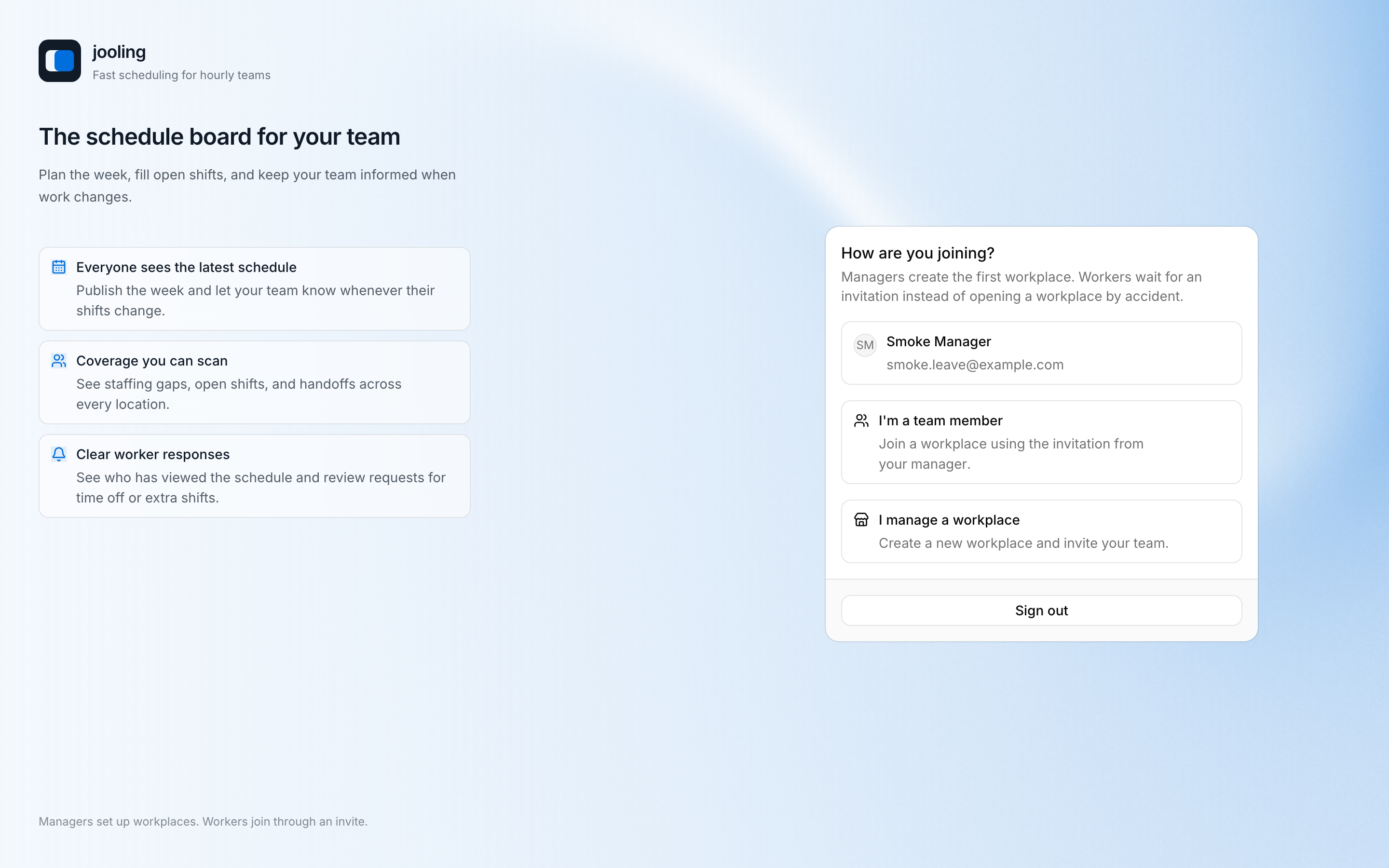
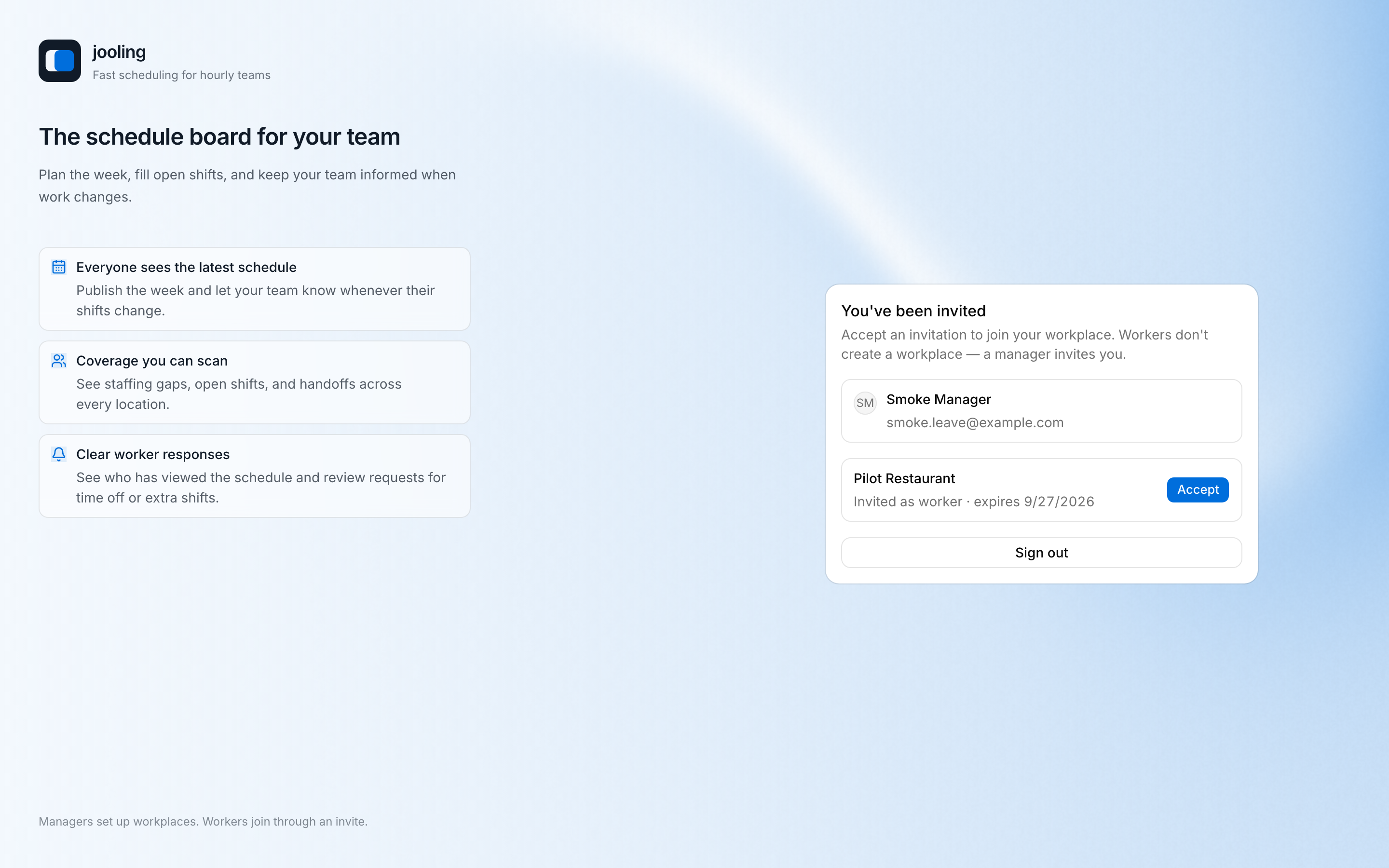
An expired, revoked, superseded, or accepted invitation cannot be reused. Ask a Manager to resend it.
Prepare for scheduling
Open Time off & availability and add Unavailability for hard constraints, Work Preferences for non-binding preferences, and Time-off Requests for specific absences. They are separate records: a preference does not block scheduling; Unavailability requires a recorded Manager override.
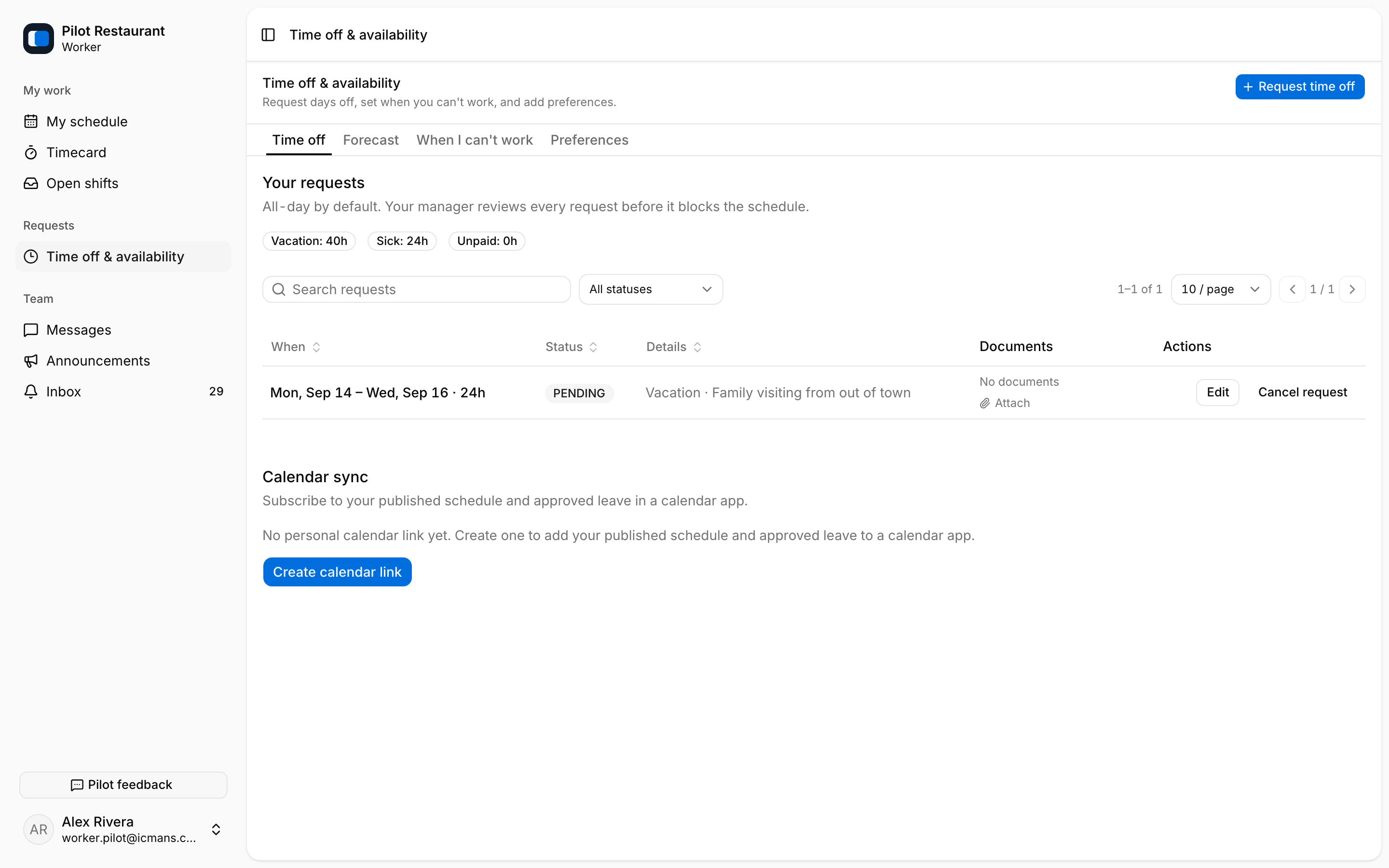
If no schedule appears, verify the selected Workplace. The Manager may not yet have published a relevant week; drafts are never visible to Workers.