Getting started
Start here
Pick the correct setup path and understand which application to use.
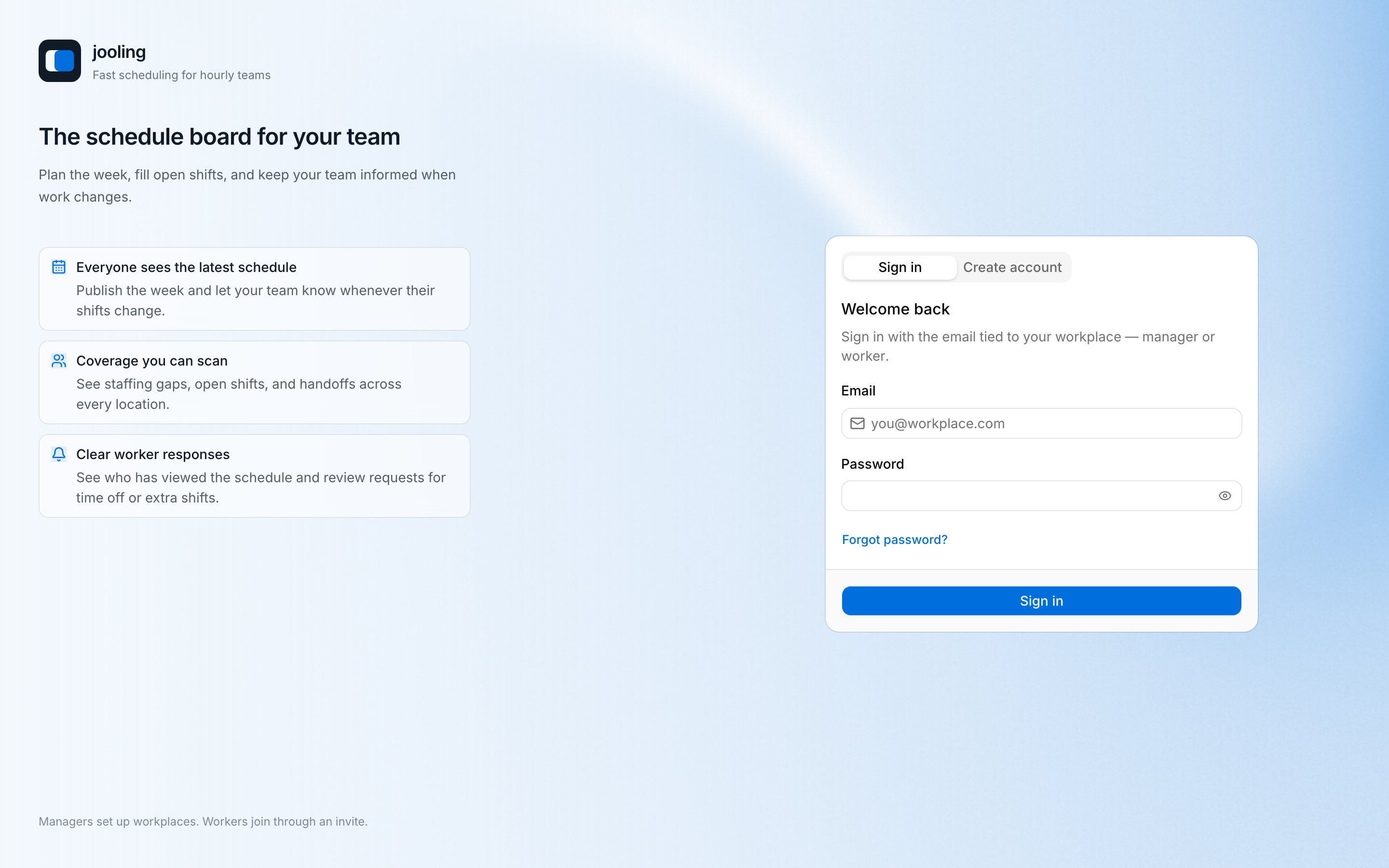
jooling has two roles. A Manager operates a Workplace and normally uses the manager web application. A Worker joins through an invitation and normally uses the jooling mobile app. Worker web routes mirror the core worker journey.
| Your goal | Next guide |
|---|---|
| Create a new Workplace | Manager onboarding |
| Join an existing Workplace | Worker onboarding |
| Sign in, reset a password, or switch workplaces | Account and access |
The account rule
Account registration is open, but Workplace membership is invitation-led. An account does not grant access to an existing Workplace. A person with any Employment—including a deactivated one—or a valid pending invitation cannot create a separate first Workplace.
The product uses deliberate vocabulary: a business is a Workplace, a physical place is a Location, and a person’s relationship to one Workplace is an Employment. See the glossary.