Manager onboarding
Create the first workplace and prepare it for scheduling.
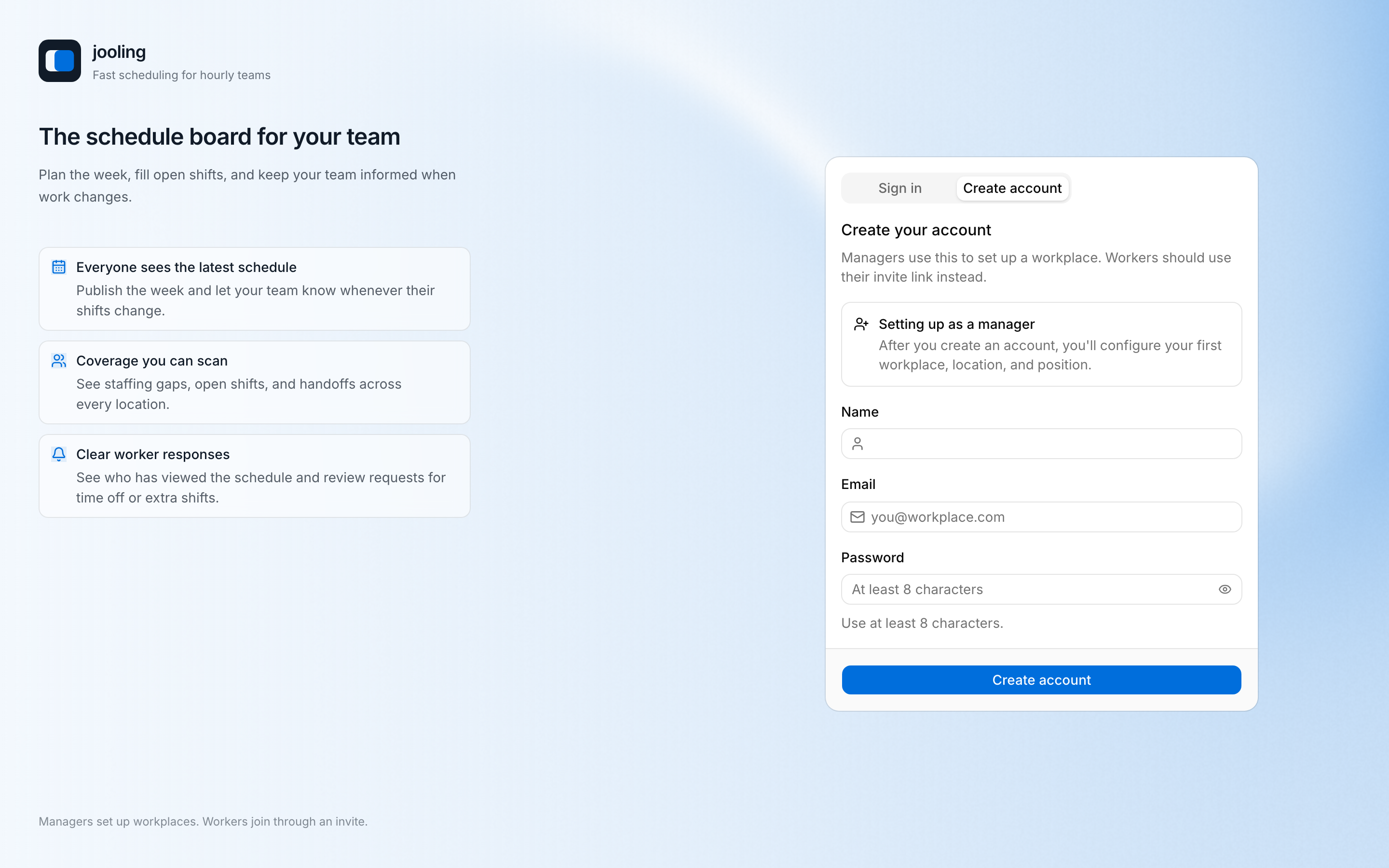
1. Create an account and choose the manager path
Sign up on web with the Create account tab. You are then asked how you are joining — choose I manage a workplace. People waiting for an invitation should take the worker path instead.
2. Set up the Workplace
Enter the Workplace name plus its first Location — name, address, time zone — and a first Position. The creator becomes the first Manager. You can add more Locations, Positions, and people later in Settings.
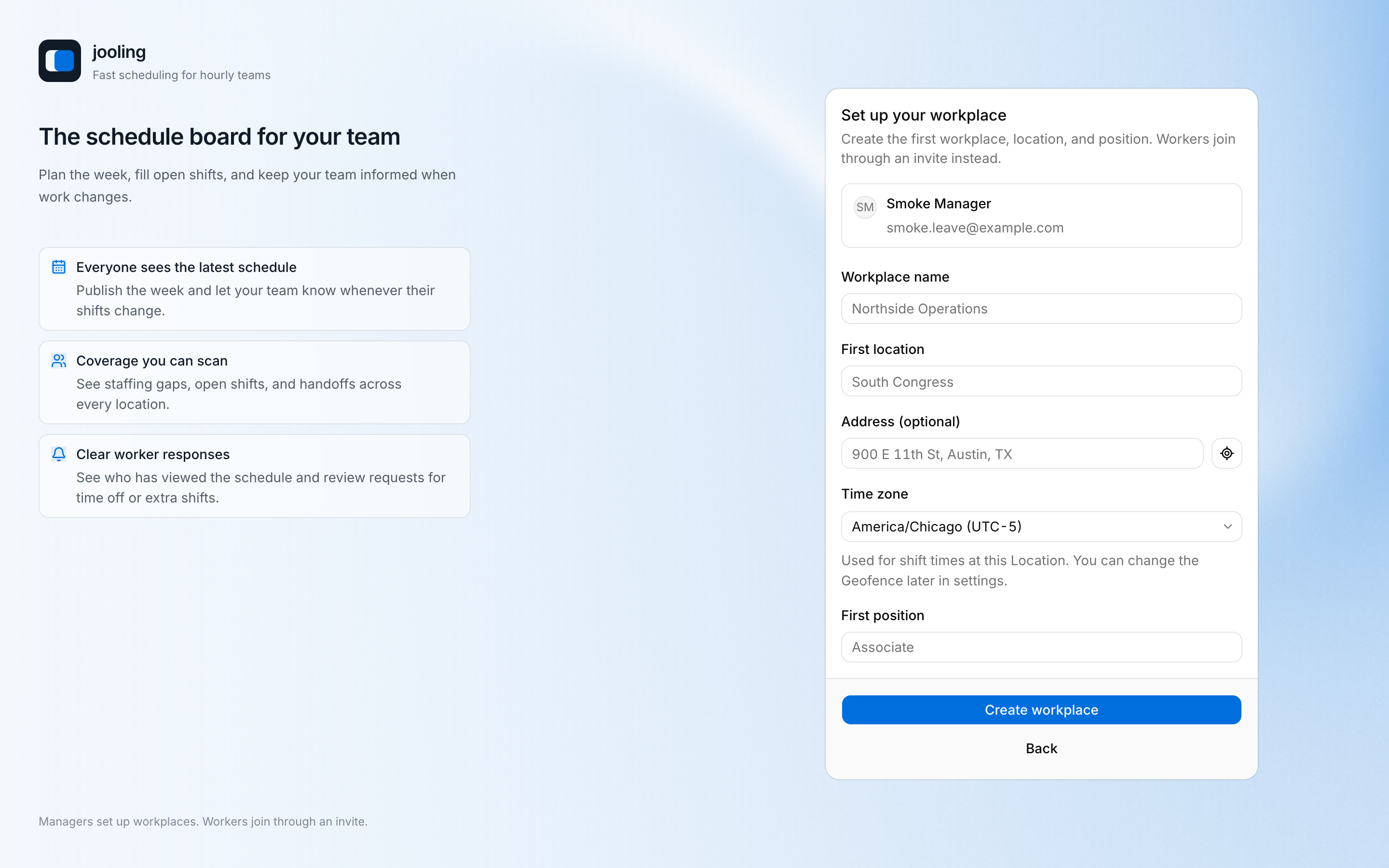
Use a named time zone
Do not use a fixed UTC offset. Overnight work and daylight-saving transitions depend on the Location's IANA time zone.
3. Review the rules
Open Settings to check scheduling and approval rules, the Notice Window for late changes, time-clock behavior, leave types and policies, holidays, templates, notifications, and your subscription.
4. Invite the team
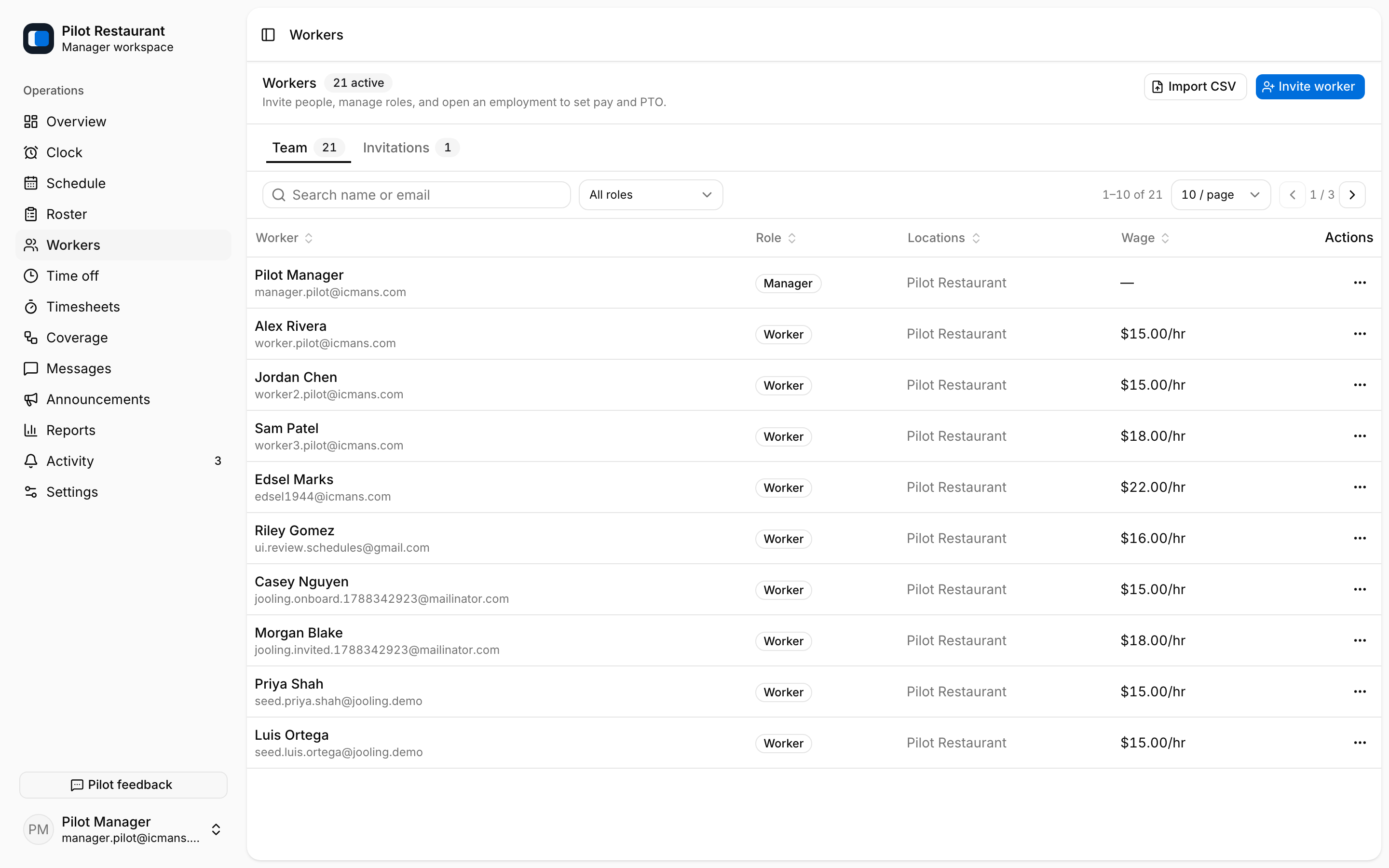
Invite Workers by email or CSV from Workers and assign Location and Position access. A Worker becomes active after accepting the invitation. Pending invitations can be resent, and their email delivery state appears in the directory.
5. Publish the first week
Continue to Build and publish schedules. Before publication, Workers see an intentional empty state rather than draft work.