Worker app navigation
Find schedules, requests, time tracking, and team communication.
Mobile tabs
- Schedule leads with your next Shift and required responses.
- Calendar shows more of your current, upcoming, and historical schedule.
- Open shifts lists work available for pickup.
- Inbox holds scheduling and request notifications.
- More opens availability, time off, Timecard, messages, announcements, team, and account actions available to you.
Manager Employments see a different mobile tab set: Overview, Schedule, Requests when permitted, Inbox, and More.
Worker web
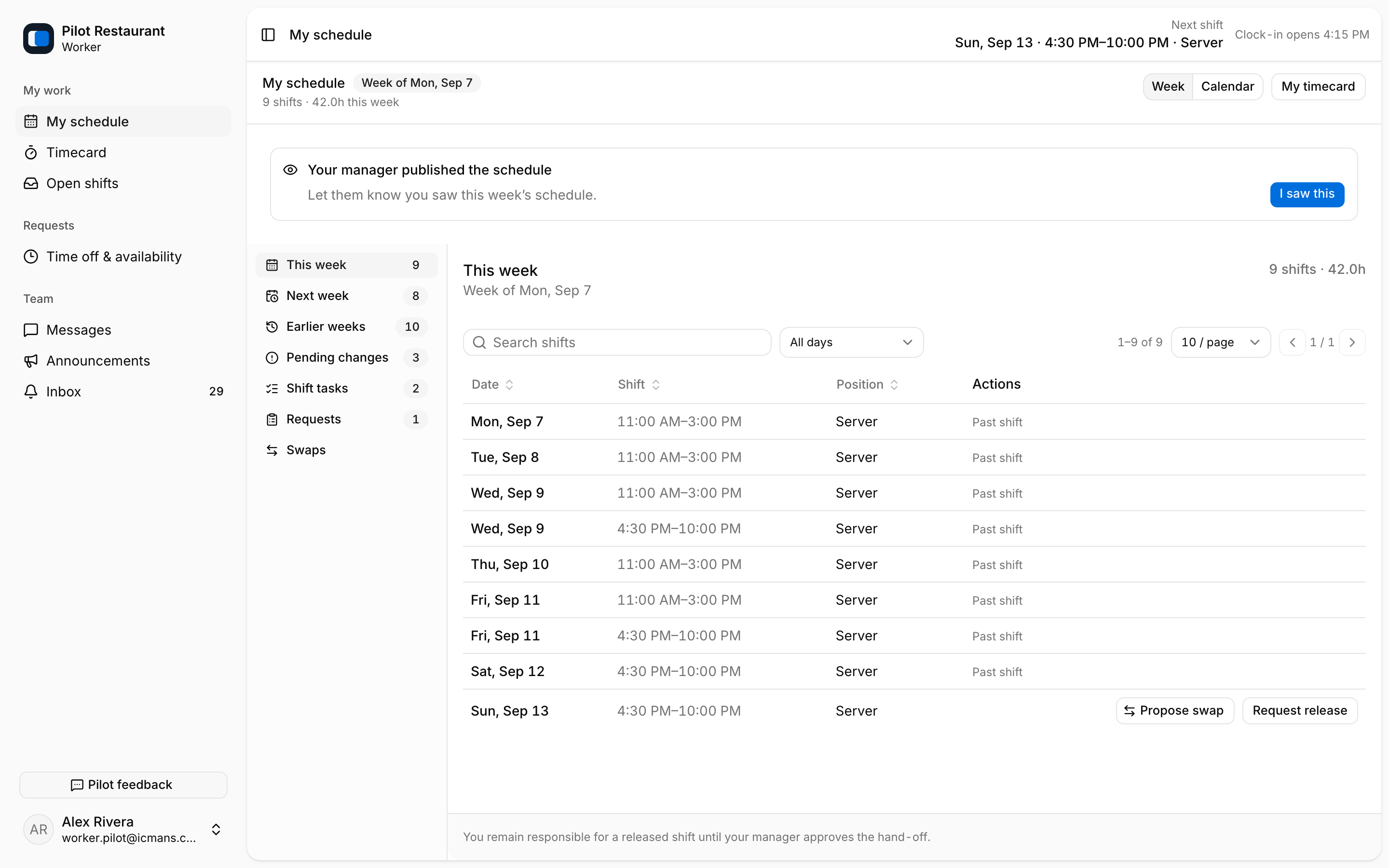
The worker web side navigation groups the same areas: My schedule, Timecard, and Open shifts under My work; Time off & availability under Requests; and Messages, Announcements, and Inbox under Team. Timecard appears only when time operations are enabled for the Workplace.
Shift details
On mobile, open a Shift to see Location, Position, time, status, tasks, Time Entry state, release options, and any change requiring response. The worker web shows the same information in lists and sections — the week's table, Pending changes, Shift tasks, and Requests — rather than a single shift page.