Build and publish schedules
Create drafts, resolve conflicts, and publish immutable weekly versions.
Build the draft
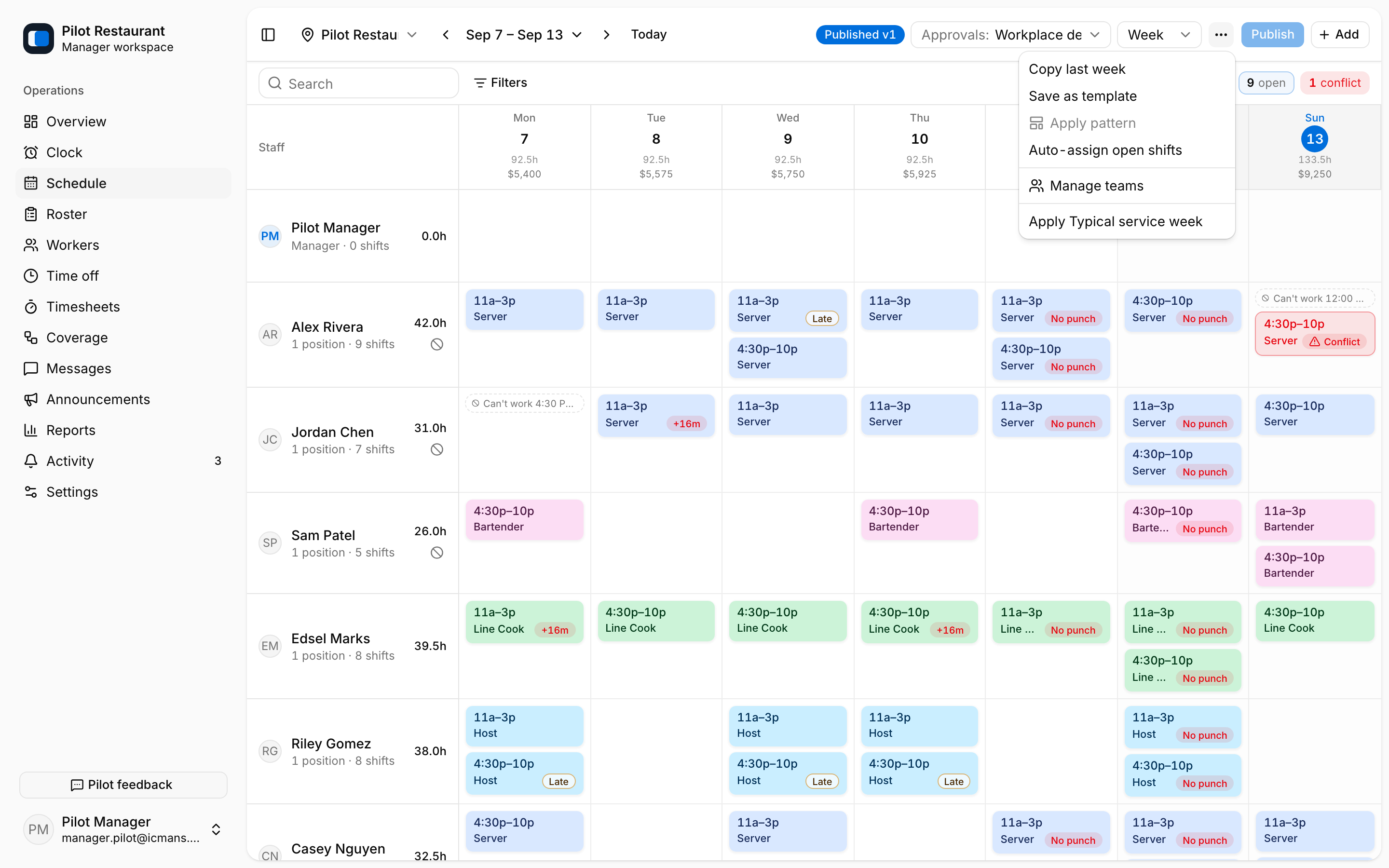
Open Schedule, choose one Location and workweek, and use Add to create Shifts.
The ⋯ menu reuses work you already did: Copy last week, Save as template, Apply pattern, Auto-assign open shifts, and Apply a saved Schedule Template such as Typical service week.
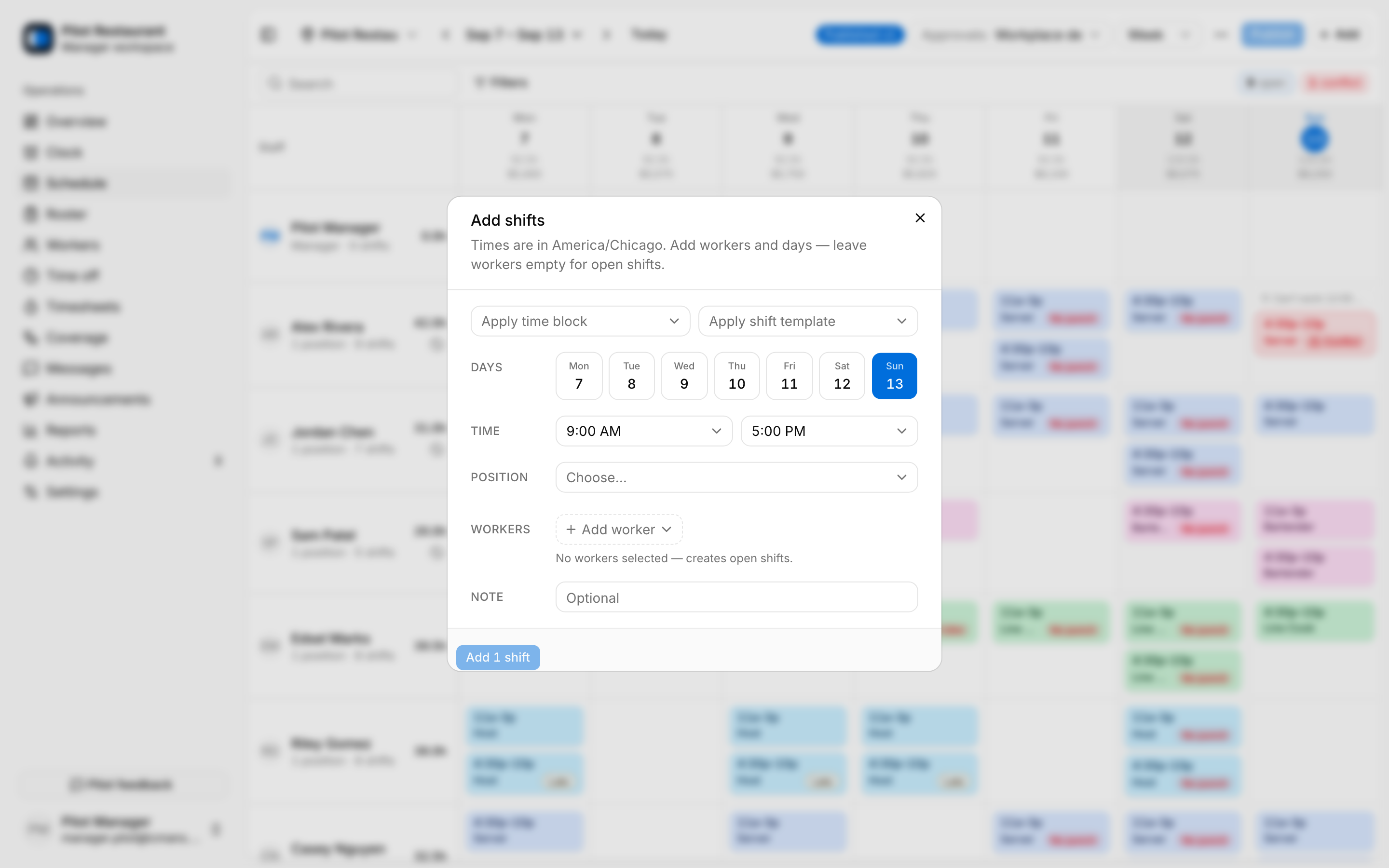
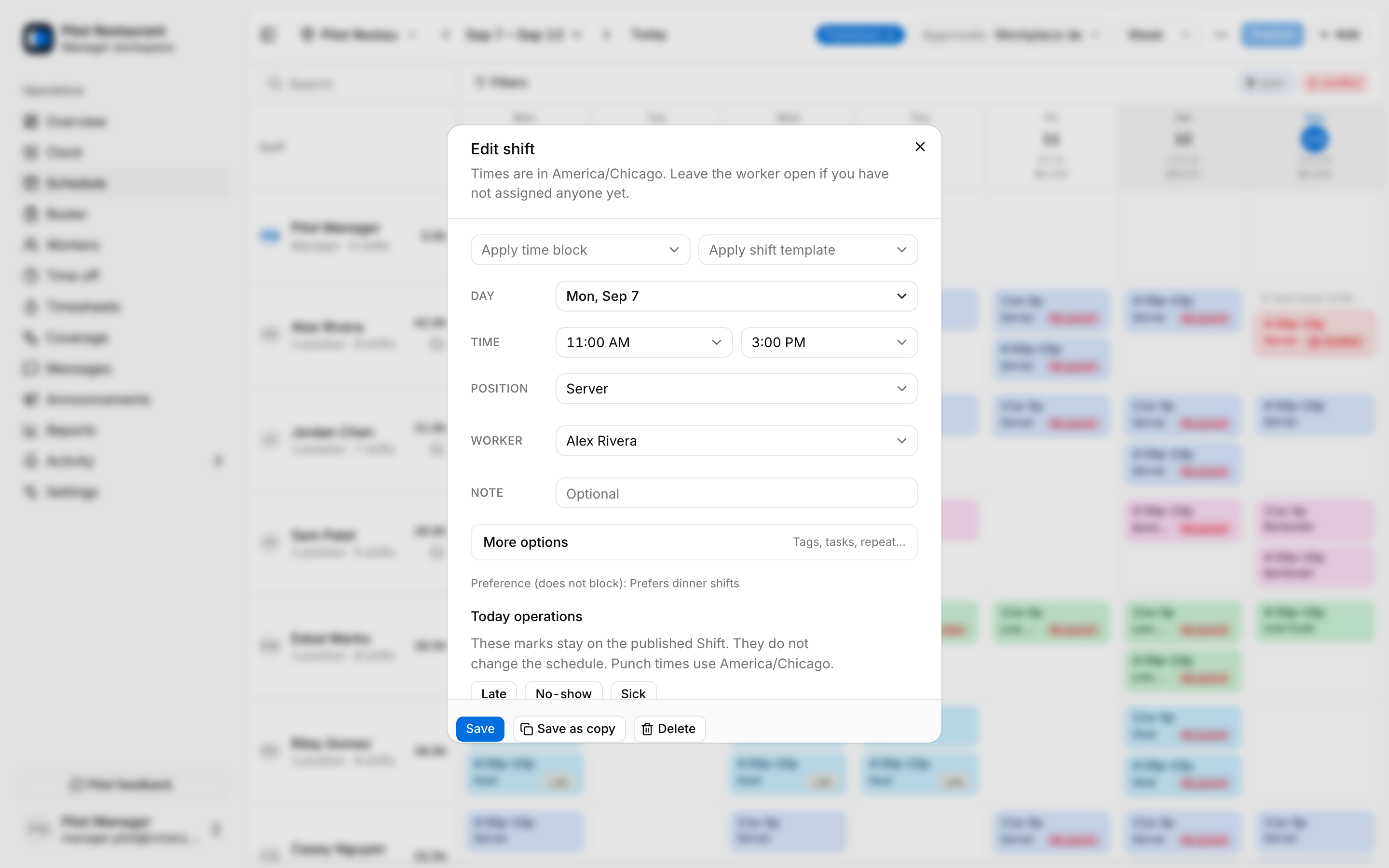
Each Shift has a day, time range, Position, optional Worker, note, tags, and tasks. The dialog offers Apply time block and Apply shift template shortcuts. Leave the worker empty to create an Open Shift that workers can request. Repeat options copy a Shift into later weeks. Overnight Shifts are supported but belong to one schedule day.
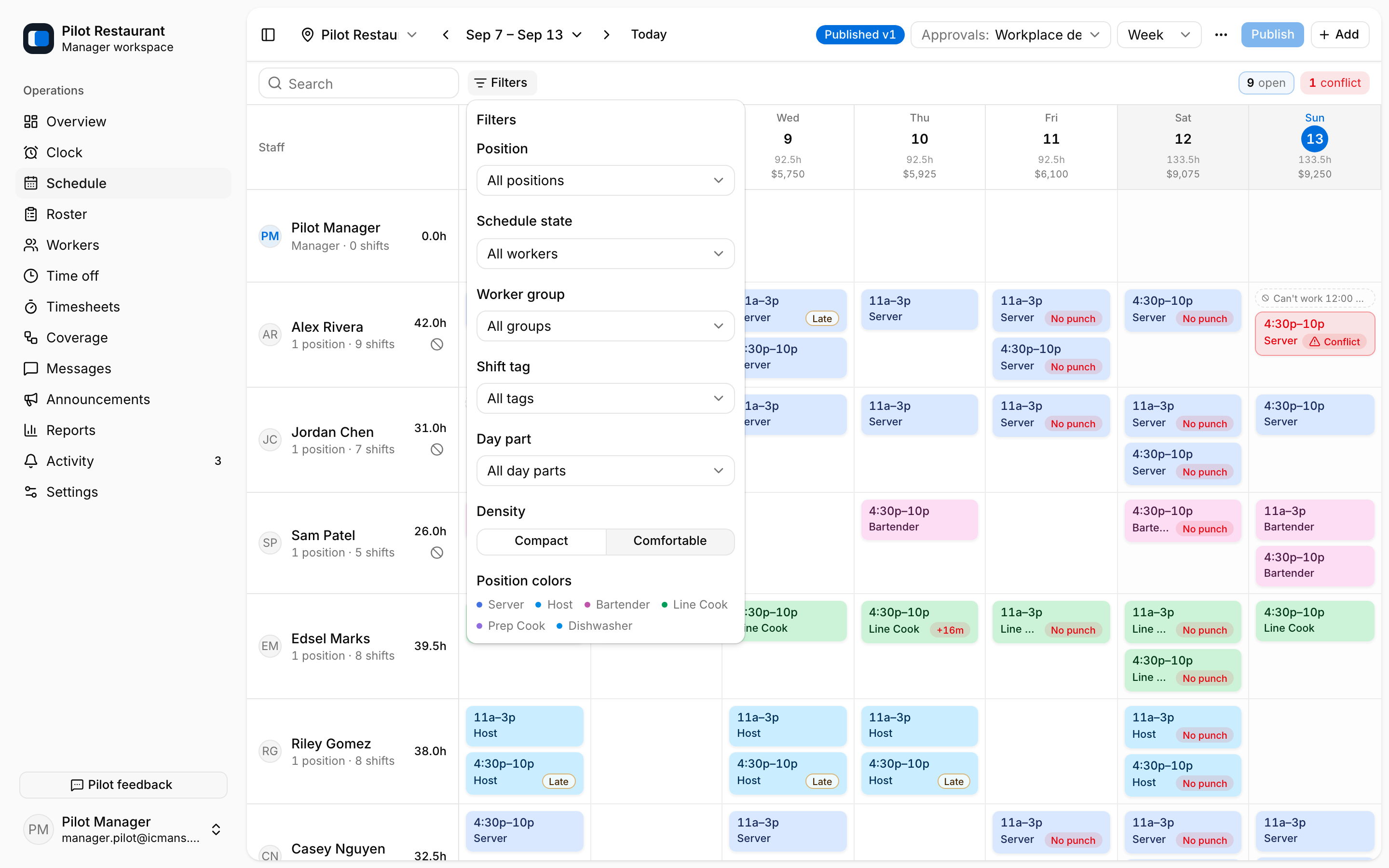
Filters narrow the grid by Position, schedule state, Worker Group, Shift Tag, or Day Part, and can switch position colors on or off.
Resolve conflicts
jooling flags overlaps, approved time off, Unavailability, missing Location or Position access, too few hours of rest between shifts, and long runs of consecutive workdays. Conflicts show a warning chip and stay on the grid — you can still save or publish with them, so review the grid before publishing.
Unavailability is a hard constraint: scheduling through one asks for an override reason in the shift dialog. Work Preferences are advisory only. Open Shifts are staffing gaps, not conflicts — workers can request them after publication.
Publish
Select Publish, confirm the summary in Publish this draft?, and the whole selection is published at once. Publication creates the immutable Schedule Version, makes it the current source of truth, records delivery, and queues notifications.
Change a published week
Editing a published week begins a private Successor Draft copied from the current version — workers see nothing until you publish. Publication calculates the differences and creates a new version while history stays intact. A new or materially changed Shift inside the Notice Window requires explicit Shift Acceptance from the affected Worker; acknowledging that they saw the schedule is separate.