Team and settings
Configure people, policies, and reusable scheduling tools.
Worker directory
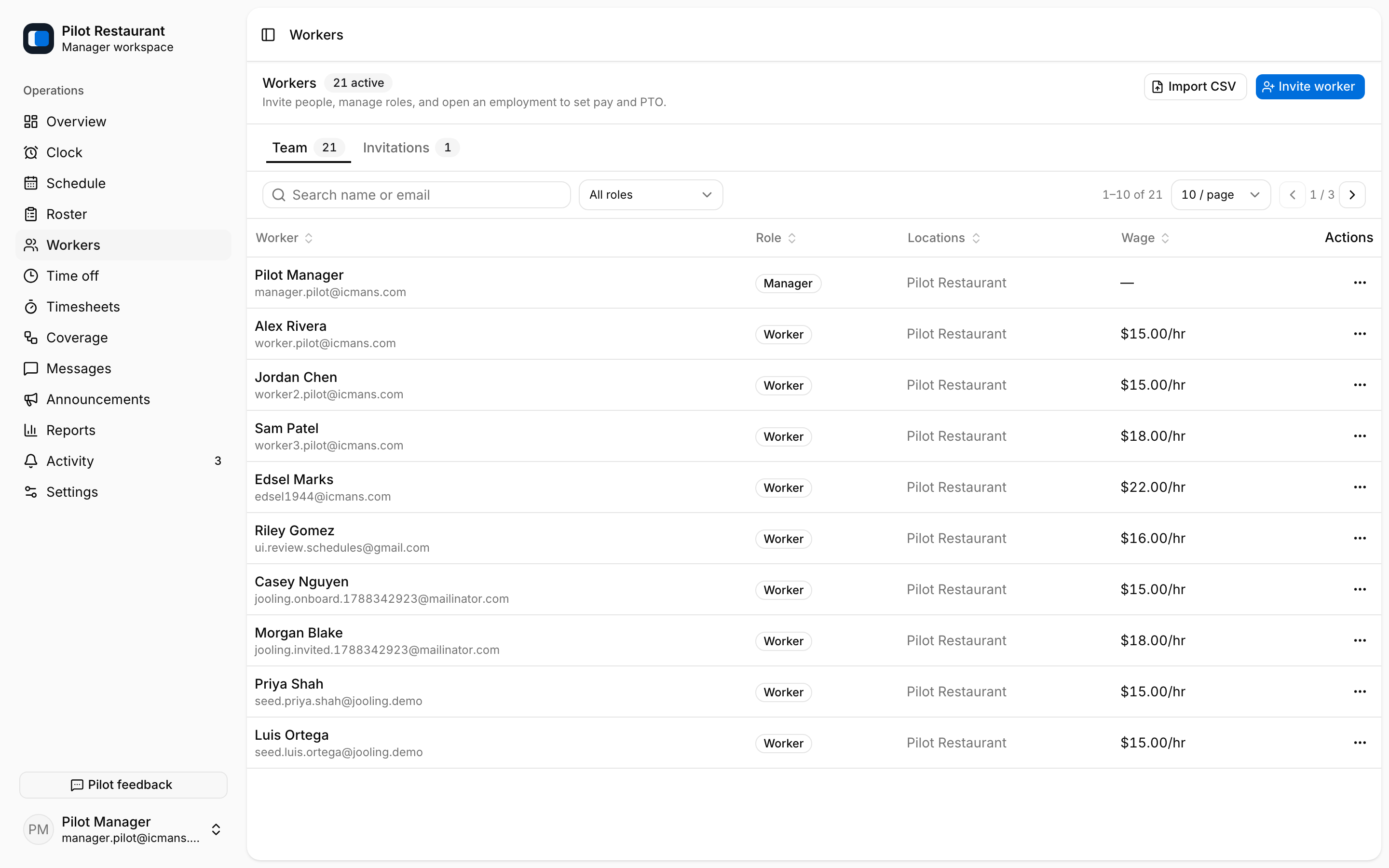
Workers holds the team and every invitation. Invite or import Workers by email or CSV and set their Locations and Positions on the invitation. Invitations can be resent or revoked, and each shows its email delivery state — queued, sent, delivered, bounced, or failed.
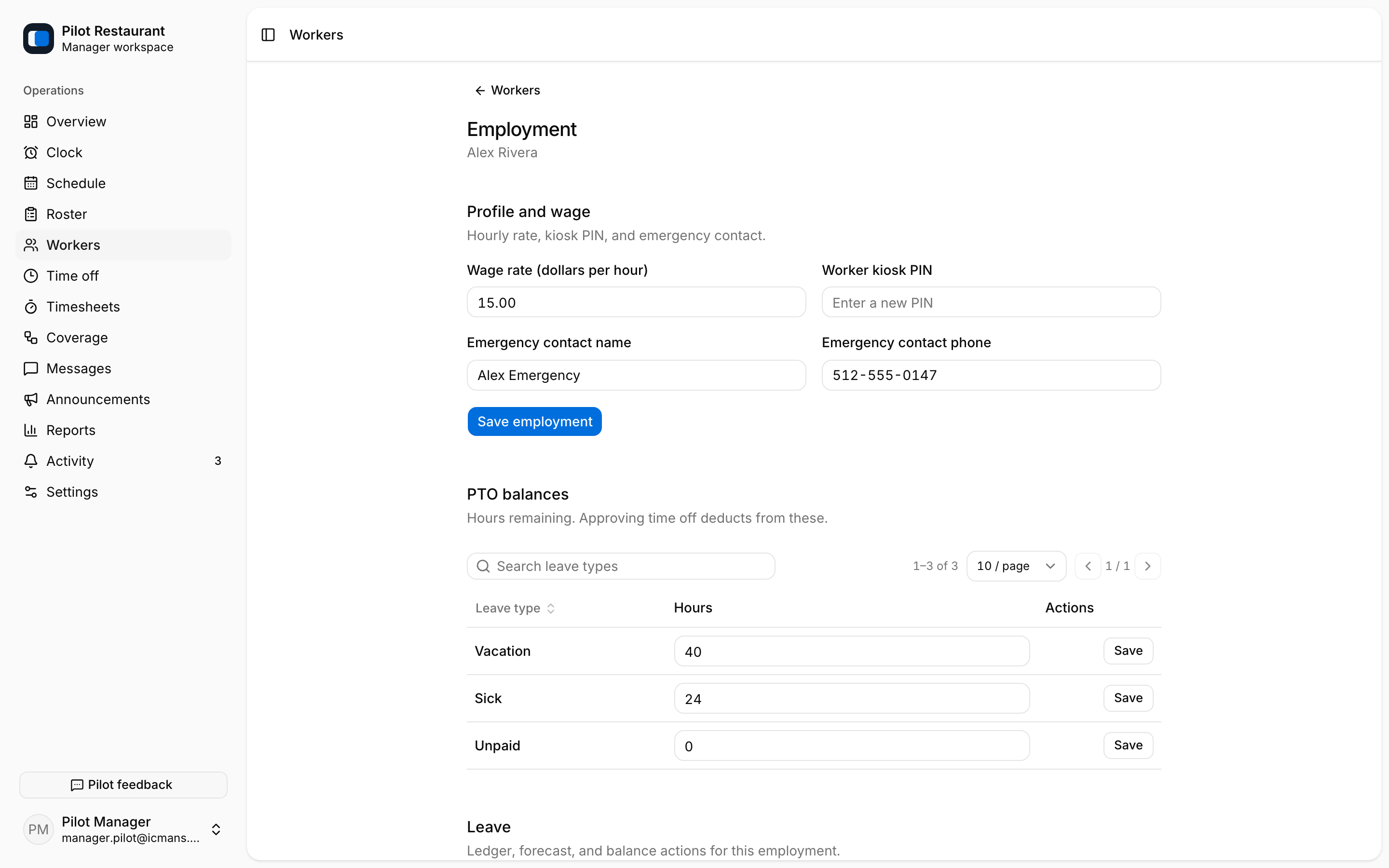
A Worker's Employment page holds the wage, the Kiosk PIN, emergency contacts, PTO balances, leave administration, and document titles or links. Role and capabilities are changed from the directory's role editor; deactivating a Worker removes access immediately.
Locations and Positions for an existing Employment are set when you invite; to change them later, re-invite the Worker.
Settings map
| Area | Controls |
|---|---|
| Subscription | Plan, billing state, and the Polar billing portal |
| General | Workplace name, week start, pay period, labor, Notice Window |
| Company | Messaging, Announcements, Shift tasks, contact visibility |
| Locations | Address, time zone, geofence radius, Kiosk |
| Positions | Assignable roles on the schedule |
| Integrations | API keys and webhooks |
| Schedule / Approval policies | Visibility, exchanges, approvals, rest rules |
| Time clock | Early start, rounding, grace, auto clock-out |
| Time off / Leave | Request rules, accrual, balances, approval chains |
| Groups / Schedule Teams / Tags | Schedule filtering and Shift labeling |
| Time Blocks / Day Parts | Reusable times and view filters |
| Shift Templates / Patterns / Holidays | Reusable structures and special dates |
A Shift Template applies one Position and time range to one cell. A Schedule Template is a reusable Location week saved from the Schedule page. A Pattern projects a repeating multi-week rotation; it is not a recurrence rule.