Time and attendance
Operate the clock, roster, timesheets, and attendance.
Your clock
Clock is your own time clock. If you are scheduled yourself, clock in for your assigned published Shift there; the page also lists the week's published Shifts and your recent punches.
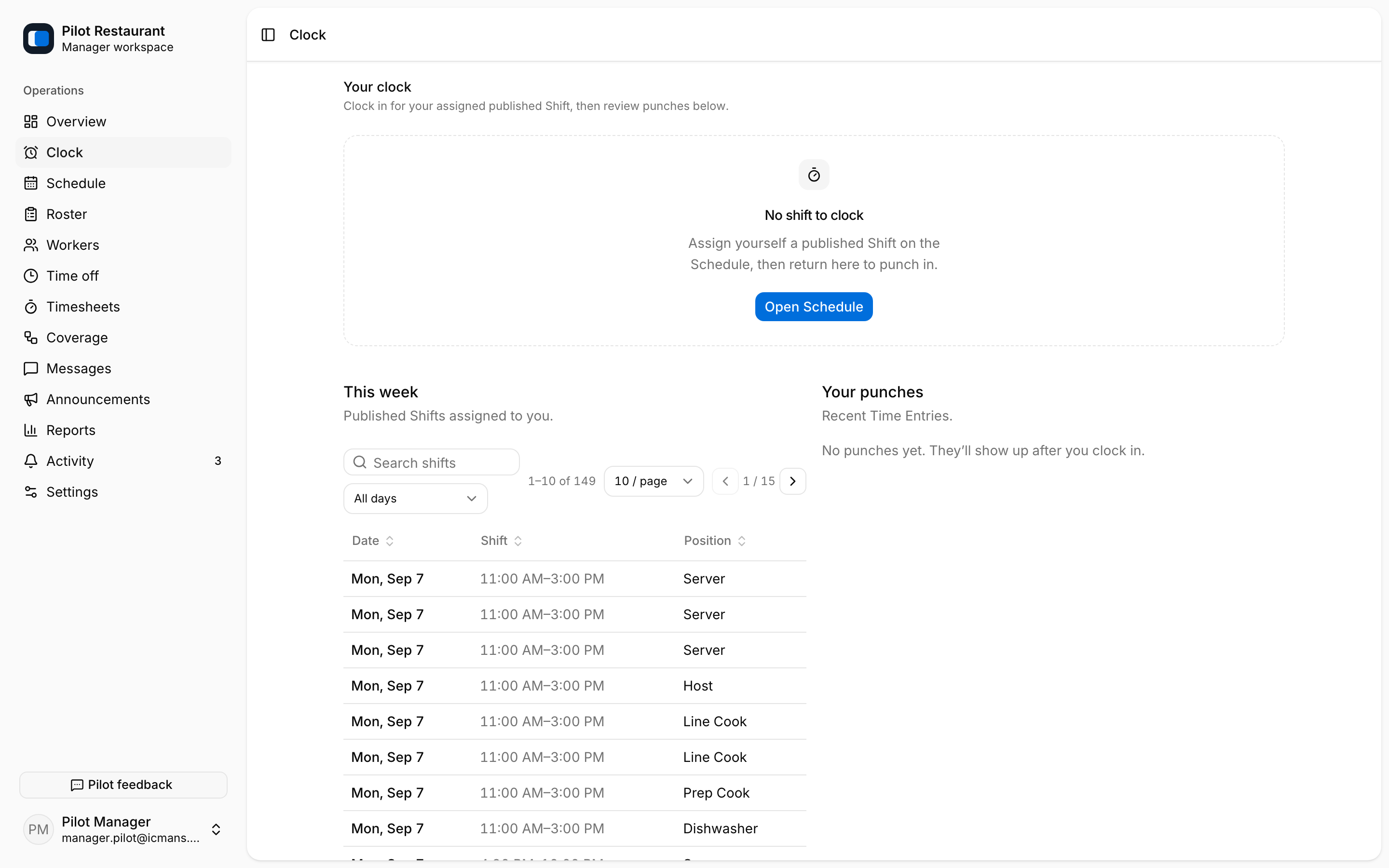
Workers normally clock in and out from their own app. Settings may permit an early start, require the Worker to be within the Location geofence, or round punch times.
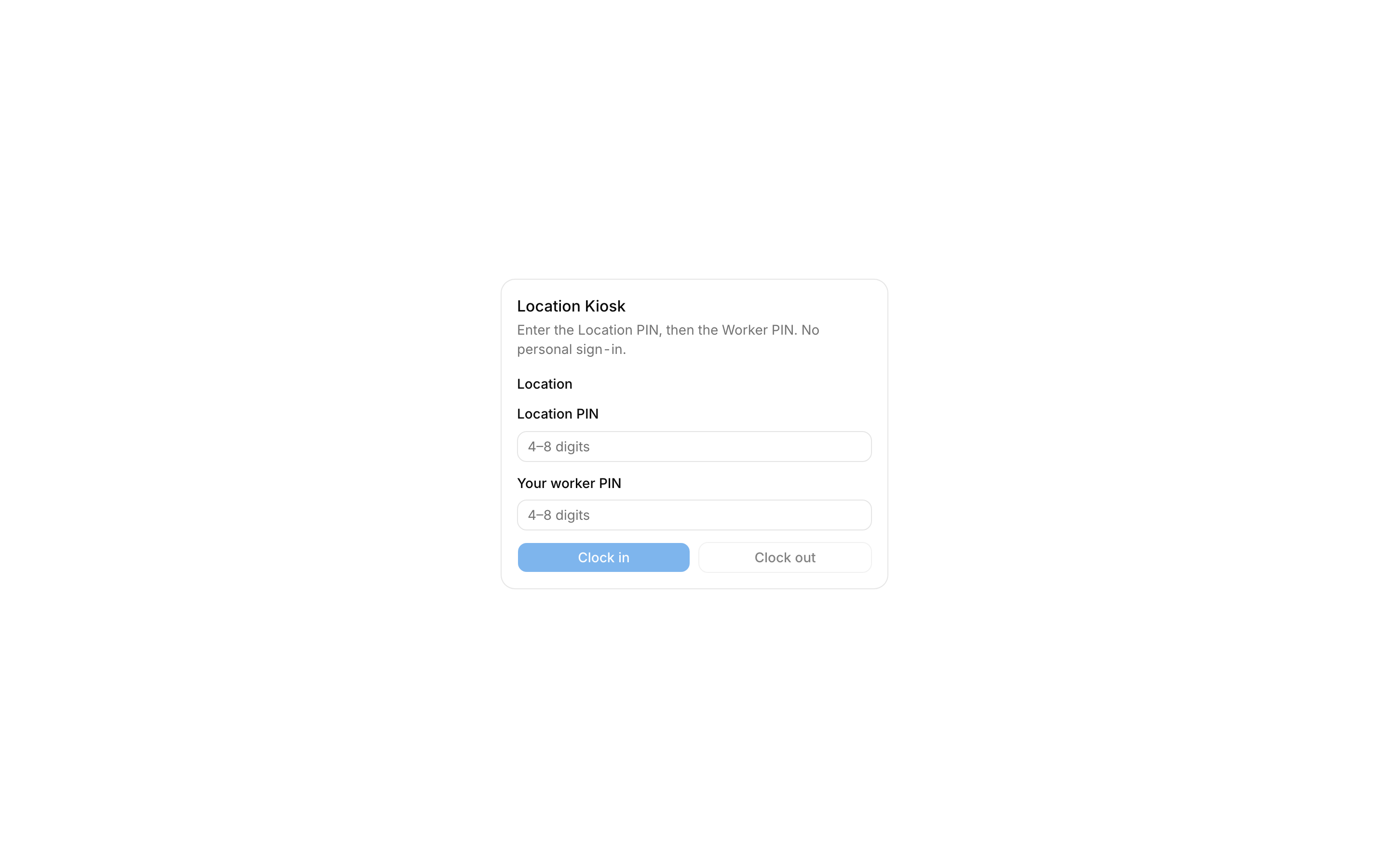
Kiosk
The shared Kiosk at /kiosk needs two PINs: the Location PIN and the Worker's own PIN. No personal sign-in is used. Protect the device and rotate a PIN if it is exposed.
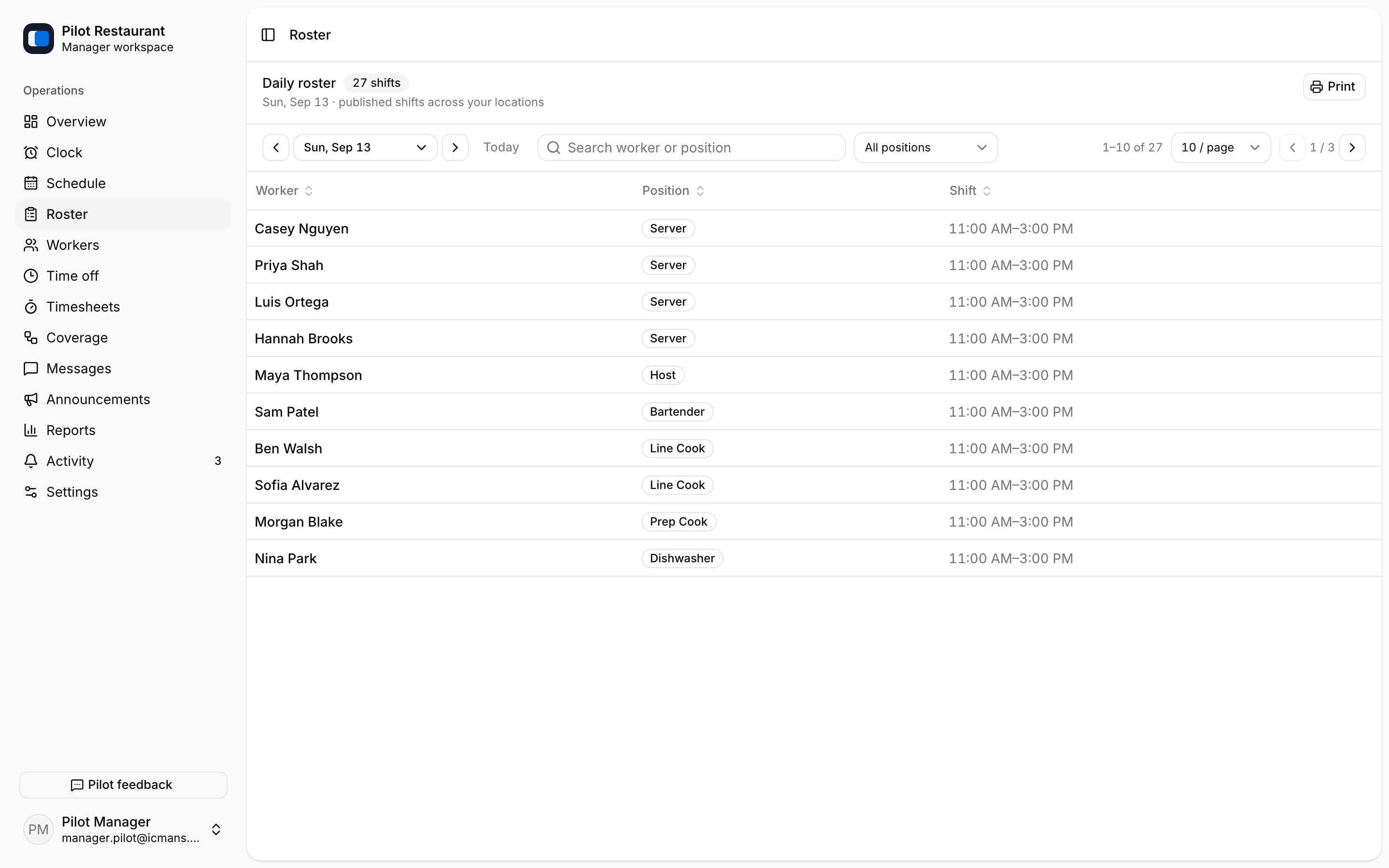
Daily Roster
Roster shows published Shifts for the selected date across your Locations, with search and print support. It is a read-only view — to edit the day, work in Schedule.
Attendance Marks such as Late, No-show, or Sick are recorded in the shift editor on the Schedule page under Today operations. They do not change the Published Schedule or Time Entries.
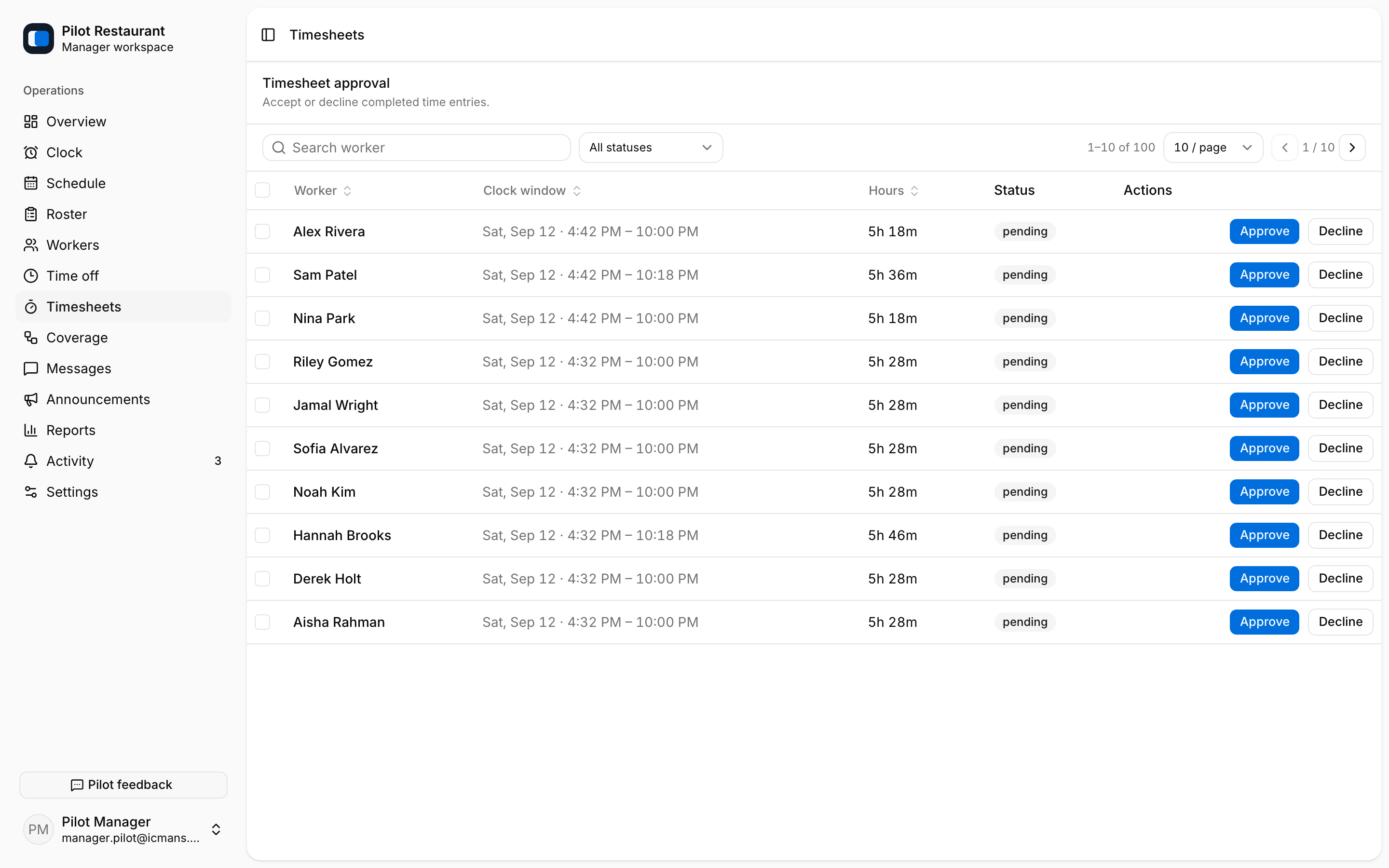
Timesheets
Timesheets lists completed Time Entries with their clock window, hours, and status. Approve or decline entries — individually or in bulk. Entries can show an Auto closed badge when the auto clock-out rule ended them.
Punch times can be corrected in the shift editor on the Schedule page, and corrections require a reason. Labor Cost from Wage Rates and overtime, plus manual Daily Sales, live in Reports. jooling does not run payroll.