Availability and time off
Tell managers when you cannot work and what you prefer.
Open Time off & availability. The page has four tabs: Time off, Forecast, When I can't work, and Preferences.
Use When I can't work for a weekly window (for example, every Sunday) or a date exception for a specific day. These are hard constraints — a Manager must record an override reason to schedule through one.
Use Preferences to describe desired times or Locations in your own words. They guide planning but never guarantee or block assignment.
Use Time off for a specific interval. Choose a Leave Type and, when your policy requires it, attach a document such as a doctor's note (PDF or image). Pending, approved, and declined requests stay visible, and your remaining balances show in hours next to each type.
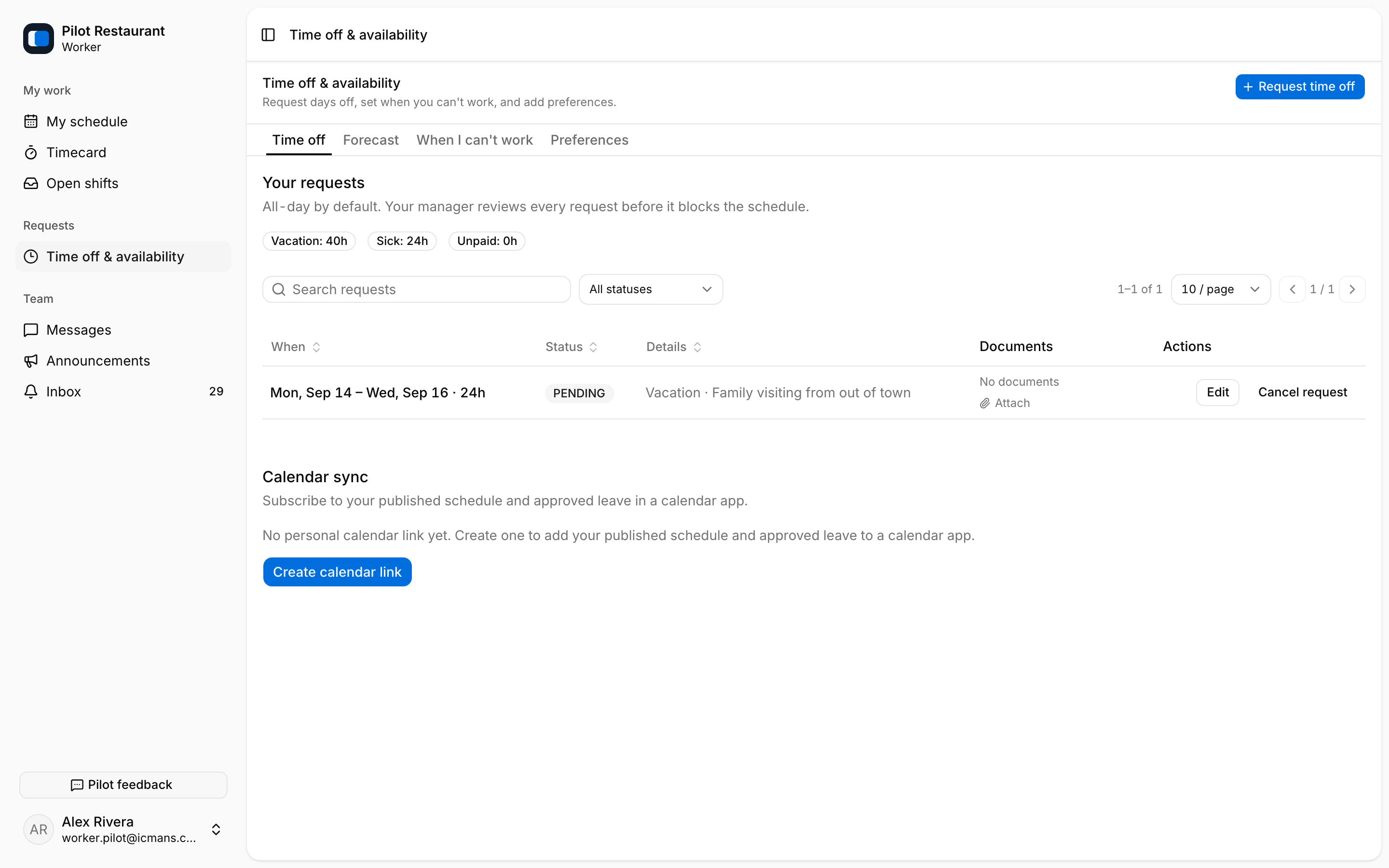
The Forecast tab projects how your balances develop over the coming months.
Time off is not the same as releasing an already published Shift. Use Request release on My schedule for an existing assignment.