Time clock and communication
Track worked time and stay informed.
On My schedule, the top bar shows your next Shift with its Clock in and Clock out controls. Clock-in typically opens shortly before the Shift starts. During work, open the clock menu to record a Break and to finish at the end of work.
If the network fails, reconnect and verify the visible clock state before tapping again. If you are unsure whether the action was saved, ask a Manager to check their Clock or Timesheets view. When your Workplace requires a geofence, allow location permission and be inside the Location boundary when you start; on a desktop browser without location access, ask a Manager or use the Kiosk.
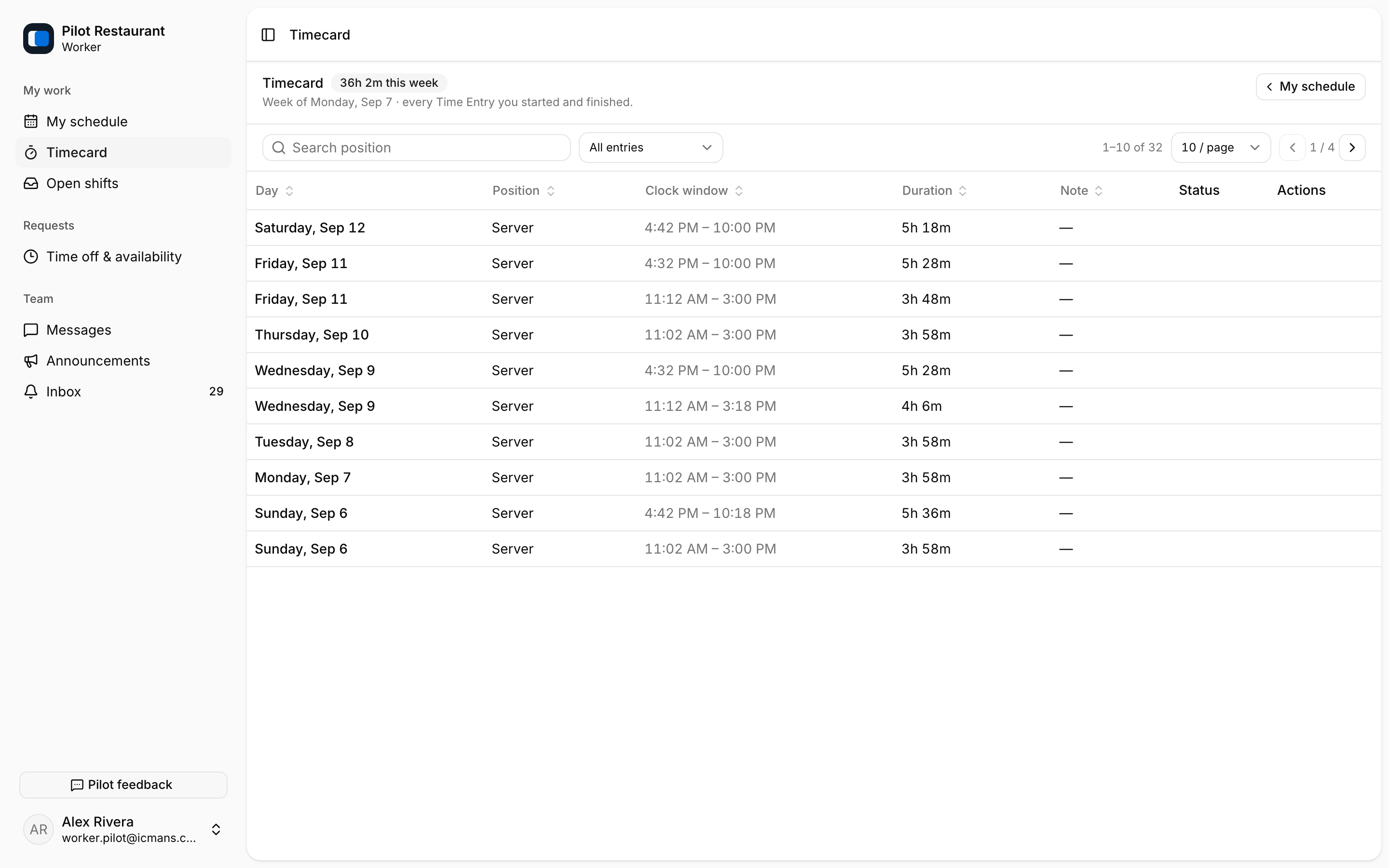
Timecard lists every Time Entry you started and finished, with durations and status. Breaks you recorded appear with the entry.
Inbox is the durable notification list; push is a convenience. Announcements are Workplace-wide notices and Messages are Workplace conversations. Neither replaces the Published Schedule as the source of truth.
Shift Tasks for your next shift appear on My schedule. Completing a task neither finishes a Time Entry nor acknowledges a schedule change.