Coverage and swaps
Release, pick up, or exchange shifts without losing accountability.
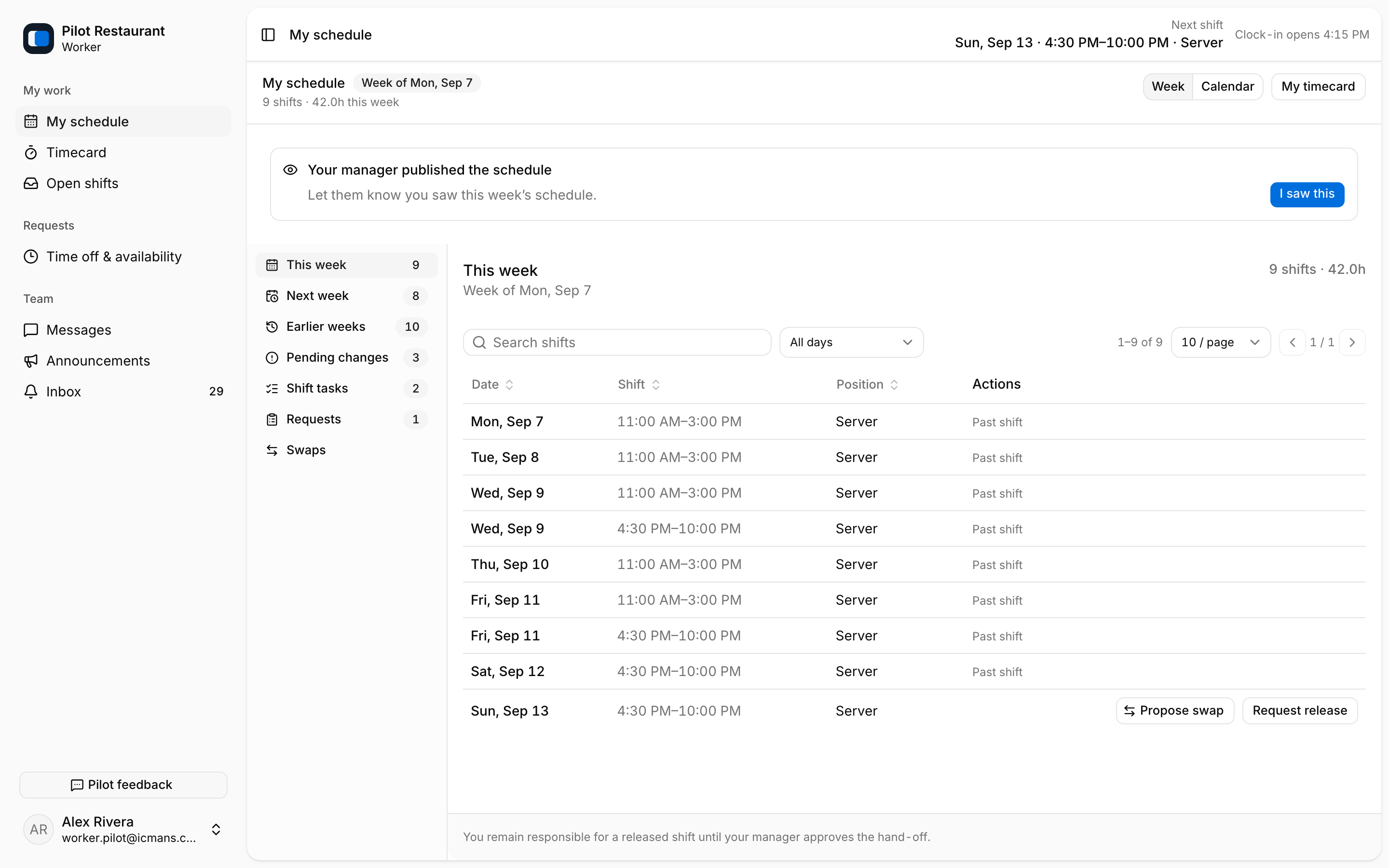
To give up assigned work, find the shift in My schedule and select Request release. Responsibility does not change while the request is pending — you keep the shift until a Manager approves a replacement and a new version is published.
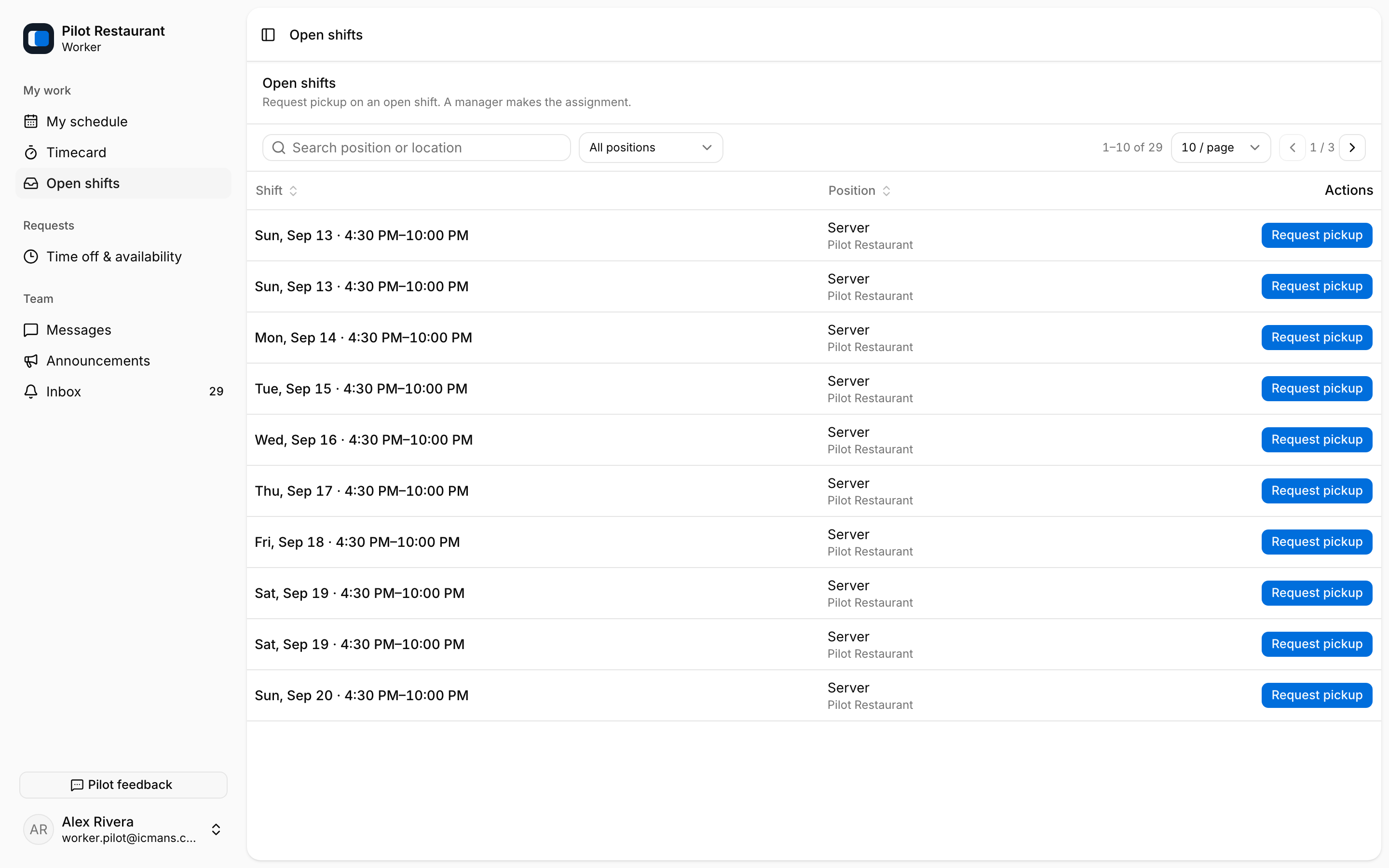
To take open work, open Open shifts, review the Location, Position, date, and time, and select Request pickup. jooling checks Employment state, scope, overlaps, Unavailability, and eligibility; a Manager makes the assignment. Requests show as Waiting on manager, Assigned to you, or Declined.
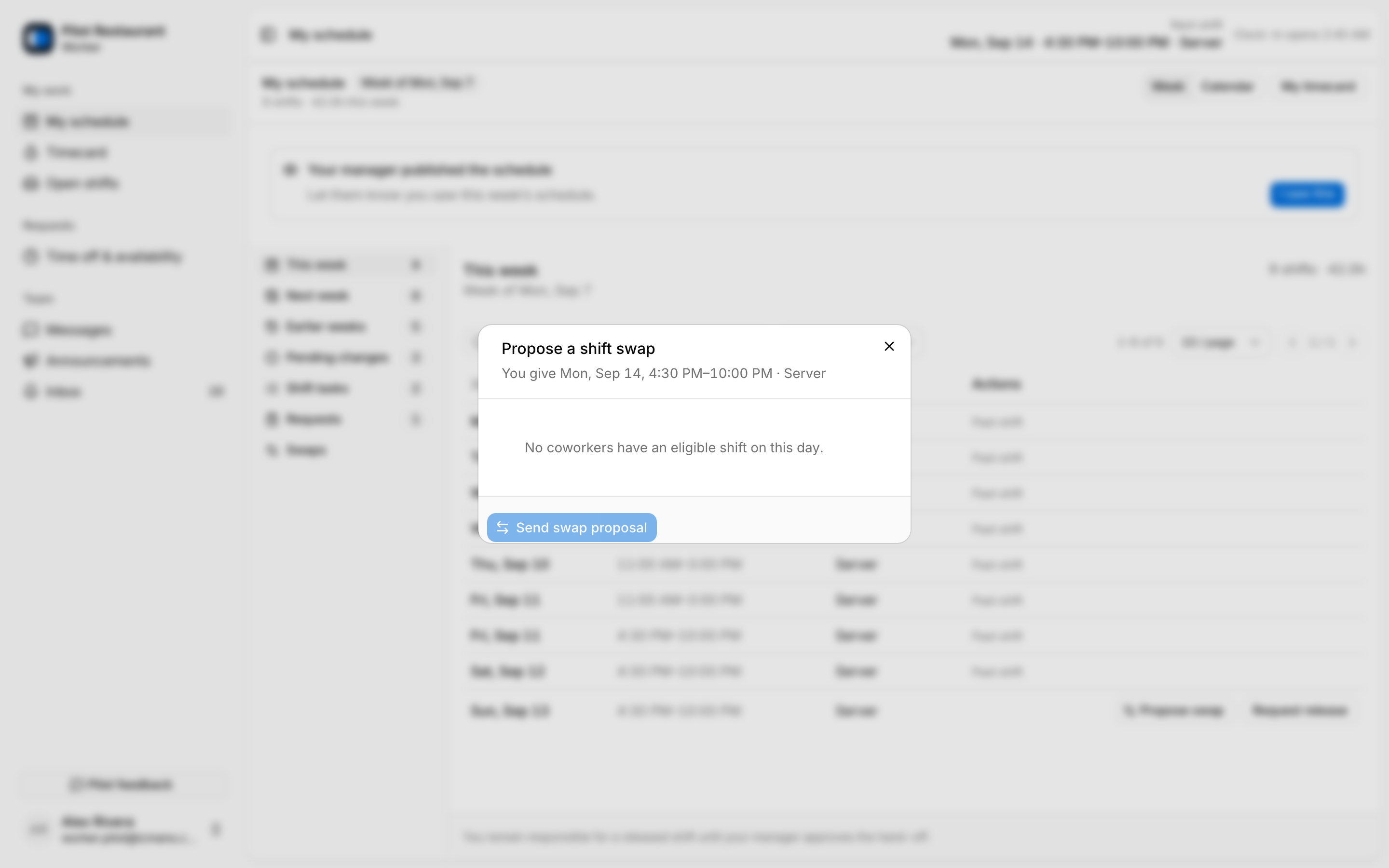
A swap requires a proposal, counterpart agreement, and Manager approval. Select Propose swap on one of your shifts, choose a coworker, and send the proposal. Both people keep their original work until it is approved and published.
After approval, verify the new Published Schedule Version in My schedule or your Inbox rather than relying only on a push alert.