Worker journey
The complete day-to-day flow for a worker.
Accept the Workplace invitation, sign in, and configure notification permission. Add Unavailability, Work Preferences, and Time-off Requests before planning begins.
My schedule leads with your next Shift in the top bar and your current published week. The side list takes you to next week, earlier weeks, pending changes, shift tasks, requests, and swaps. Draft changes never appear.
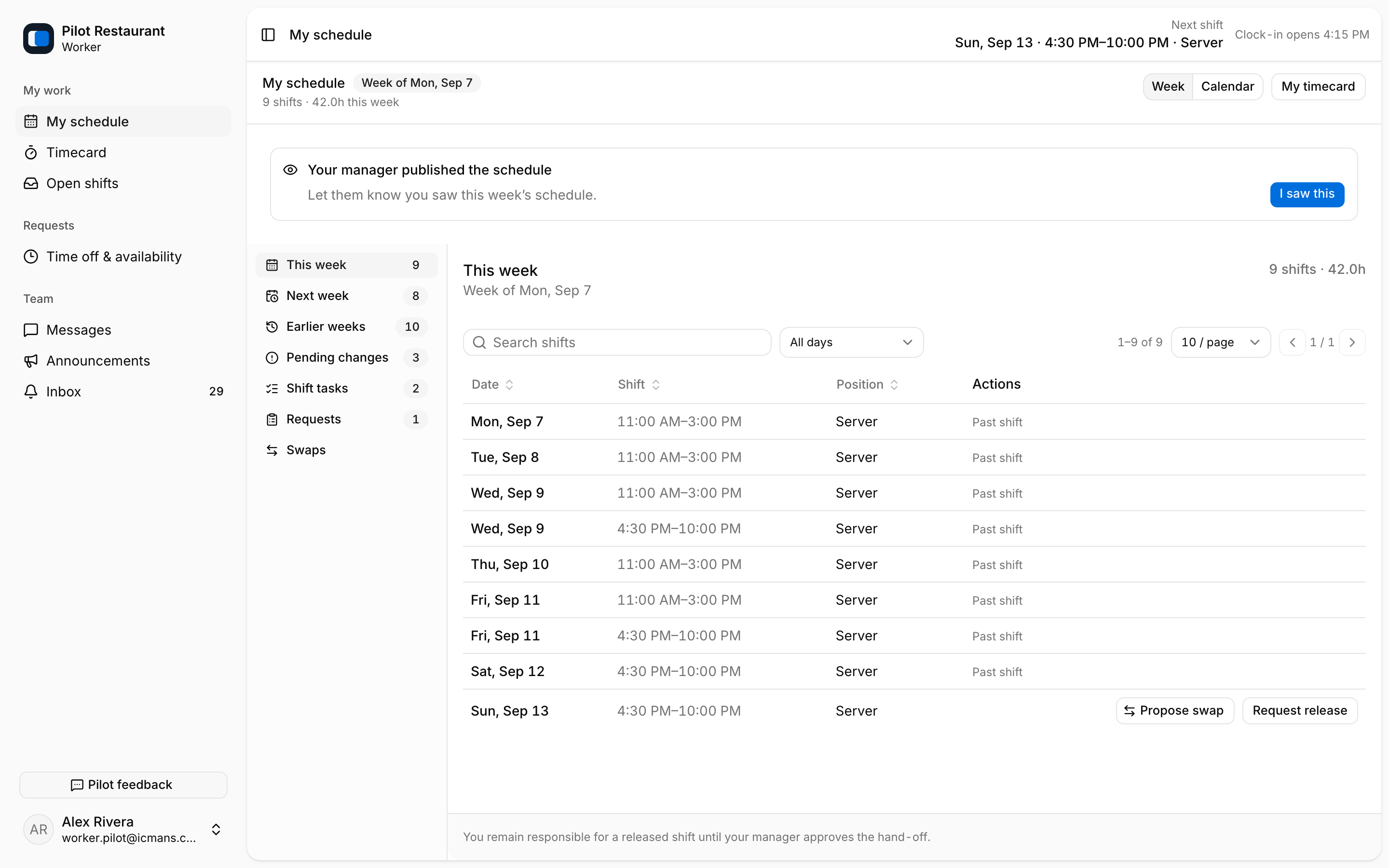
Use I saw this to acknowledge a publication. If a late material change requires agreement, the Pending changes section shows Accept shift or Decline separately. Acknowledging never accepts responsibility.
When plans change, use Request release on one of your shifts, browse Open shifts, request pickup, or propose a swap. You remain responsible for assigned work until a Manager approves the change and publishes a new version.
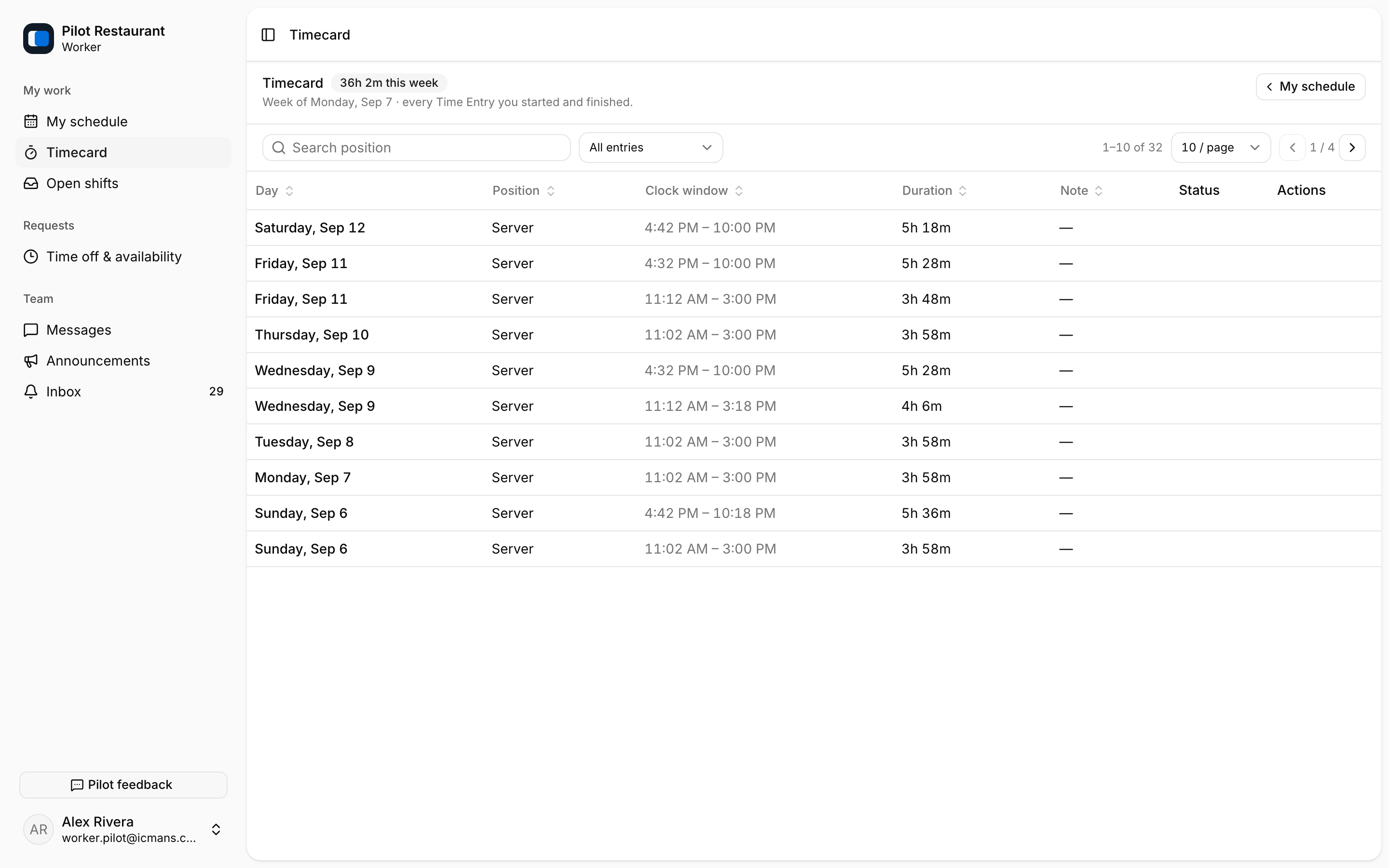
During work, the top bar shows Clock in and Clock out for your current shift, and Timecard records your finished Time Entries and Breaks. Review Shift Tasks, Announcements, Inbox, and Messages as needed.