Locations and positions
Manage work sites, time zones, geofences, and roles.
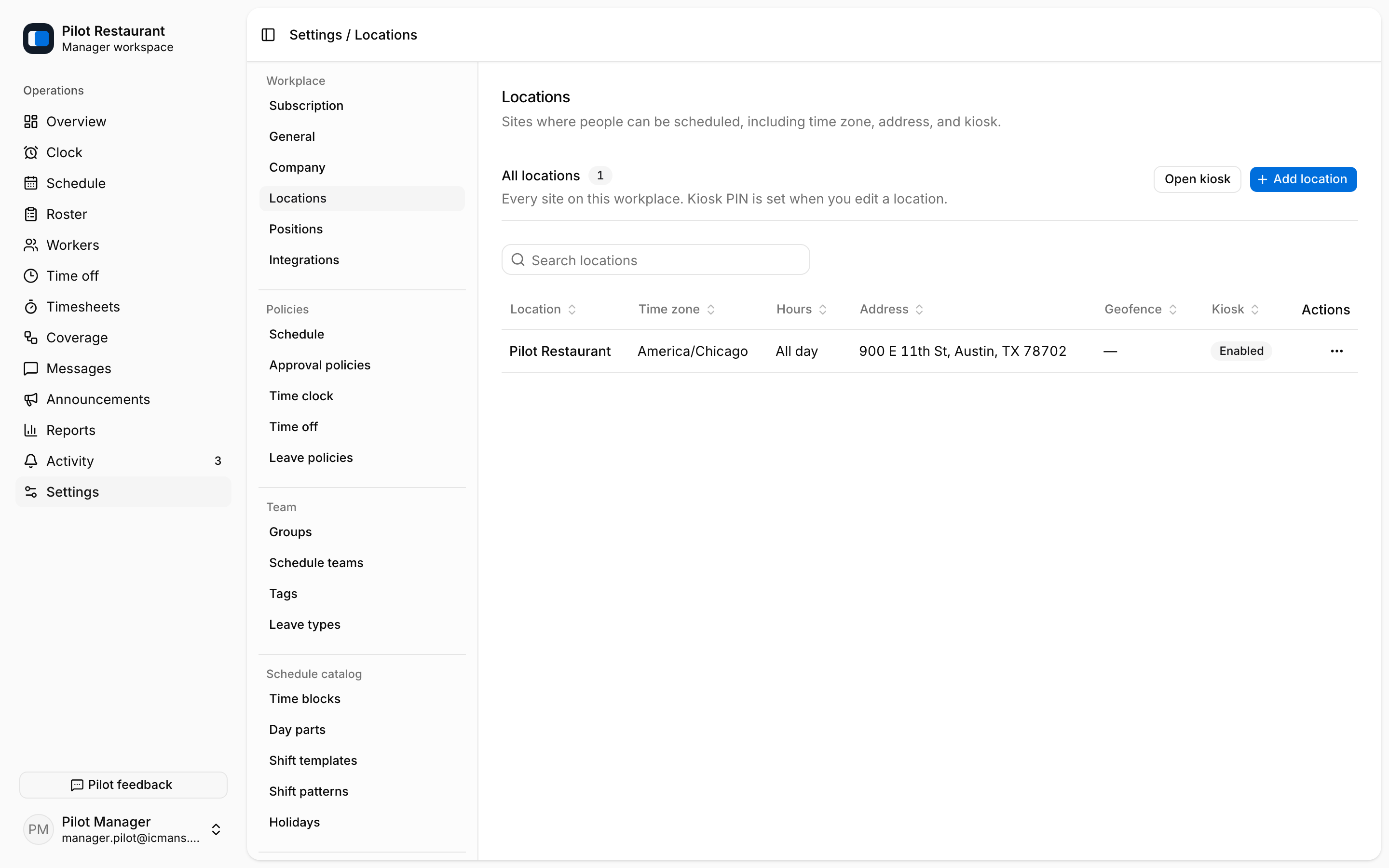
Locations
Each Schedule belongs to one Location. Give each Location a recognizable name, correct address, and IANA time zone. Address search helps fill the address and coordinates, and a map shows the pin when coordinates exist.
The Location edit sheet also holds:
- Geofence radius in meters, used for clock-in location checks.
- Hours of operation, shown on the schedule.
- Kiosk PIN for the shared Location clock. The PIN can only be set when you edit an existing Location, and kiosk can be disabled there too.
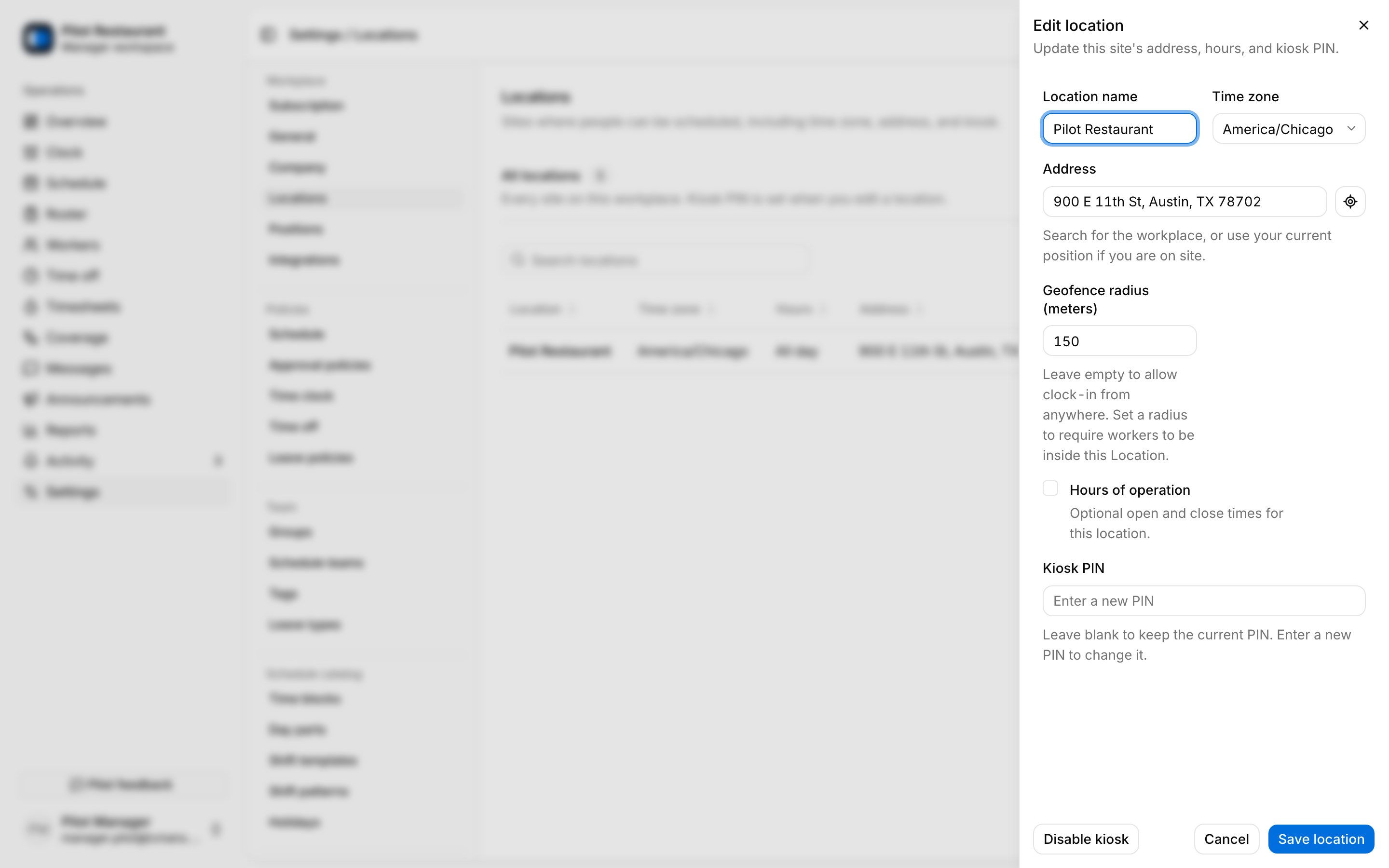
Enforcing the geofence at clock-in is a separate switch under Settings → Time clock.
Positions
Positions describe the role performed on a Shift — Server, Line Cook, and so on. jooling colors shifts by position automatically on the schedule grid.
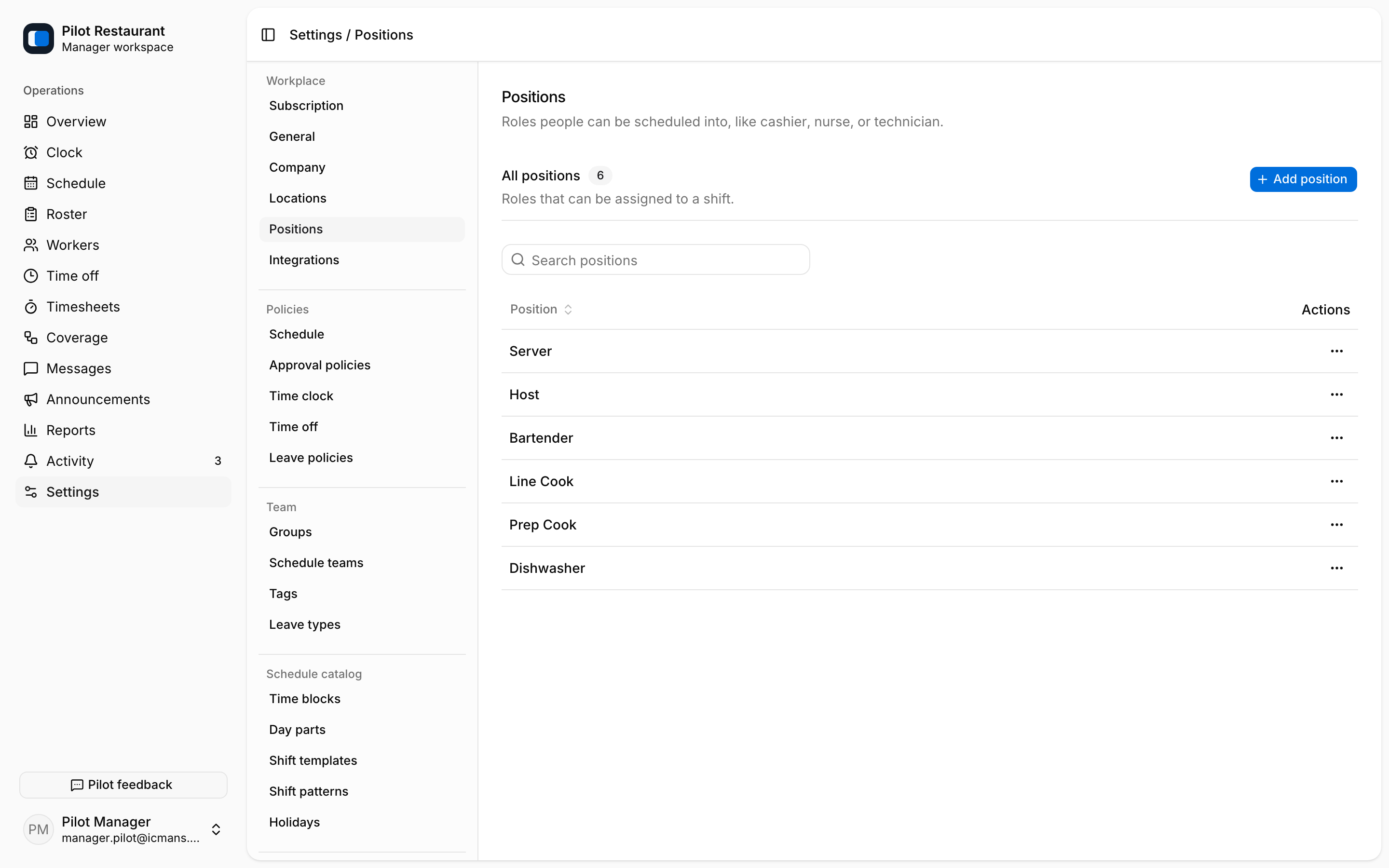
A Worker needs Position access to be assigned normally or request pickup. That access is granted on the invitation alongside Location access.
Removing items
jooling prevents removal while a Location or Position is still referenced by Schedules, Shifts, templates, or Workers. Prefer correcting or deactivating access rather than deleting an item that has operational history, and review Workers, drafts, and templates that use it first.