Schedule catalog
Reuse Time Blocks, Day Parts, templates, patterns, and holidays.
| Tool | Best use | Where |
|---|---|---|
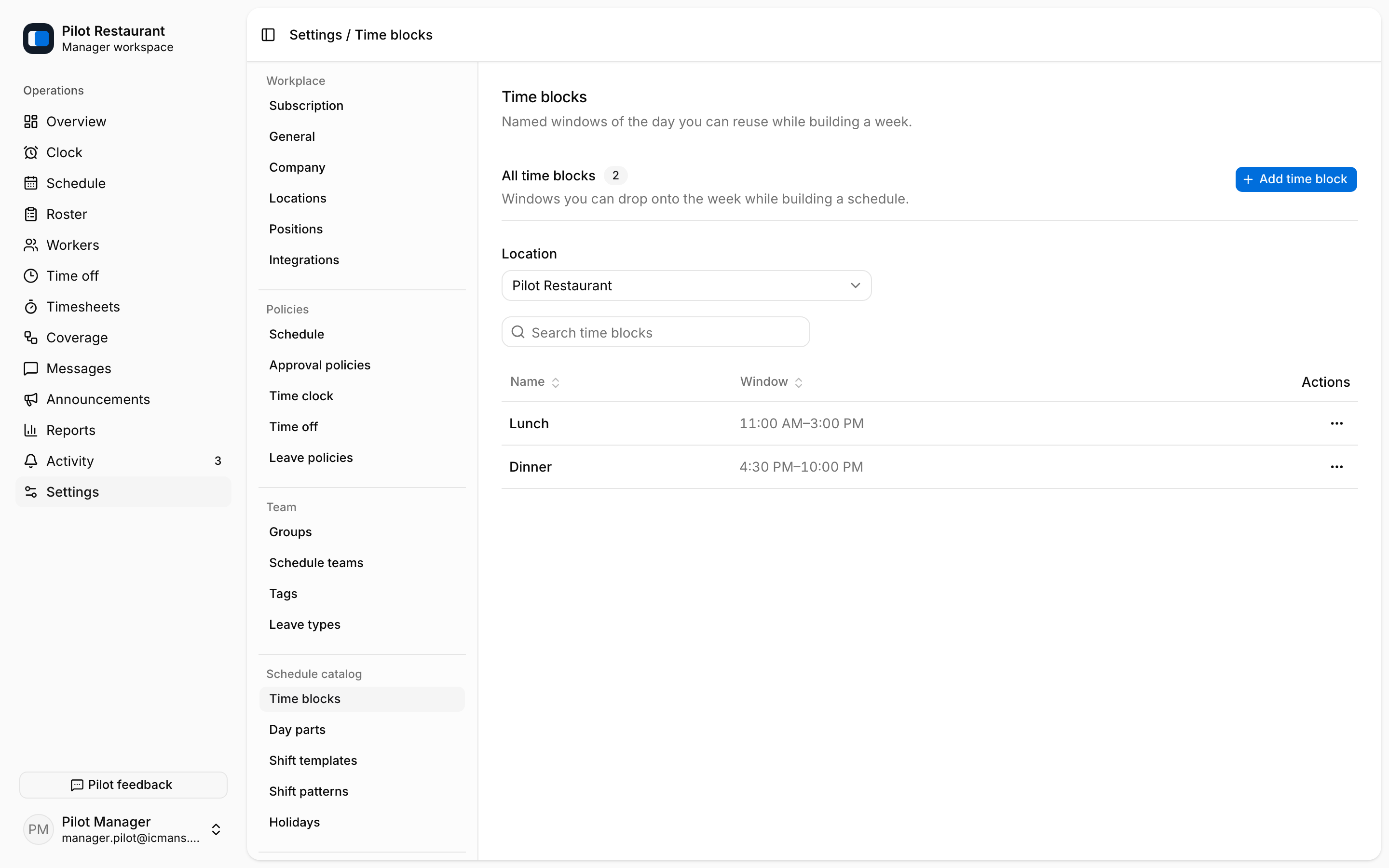
| Time Block | Reuse a named start and end time while creating Shifts | Settings → Time blocks |
| Day Part | Filter a Schedule by a named window such as lunch or dinner | Settings → Day parts |
| Shift Template | Apply one Position and time range to a schedule cell | Settings → Shift templates |
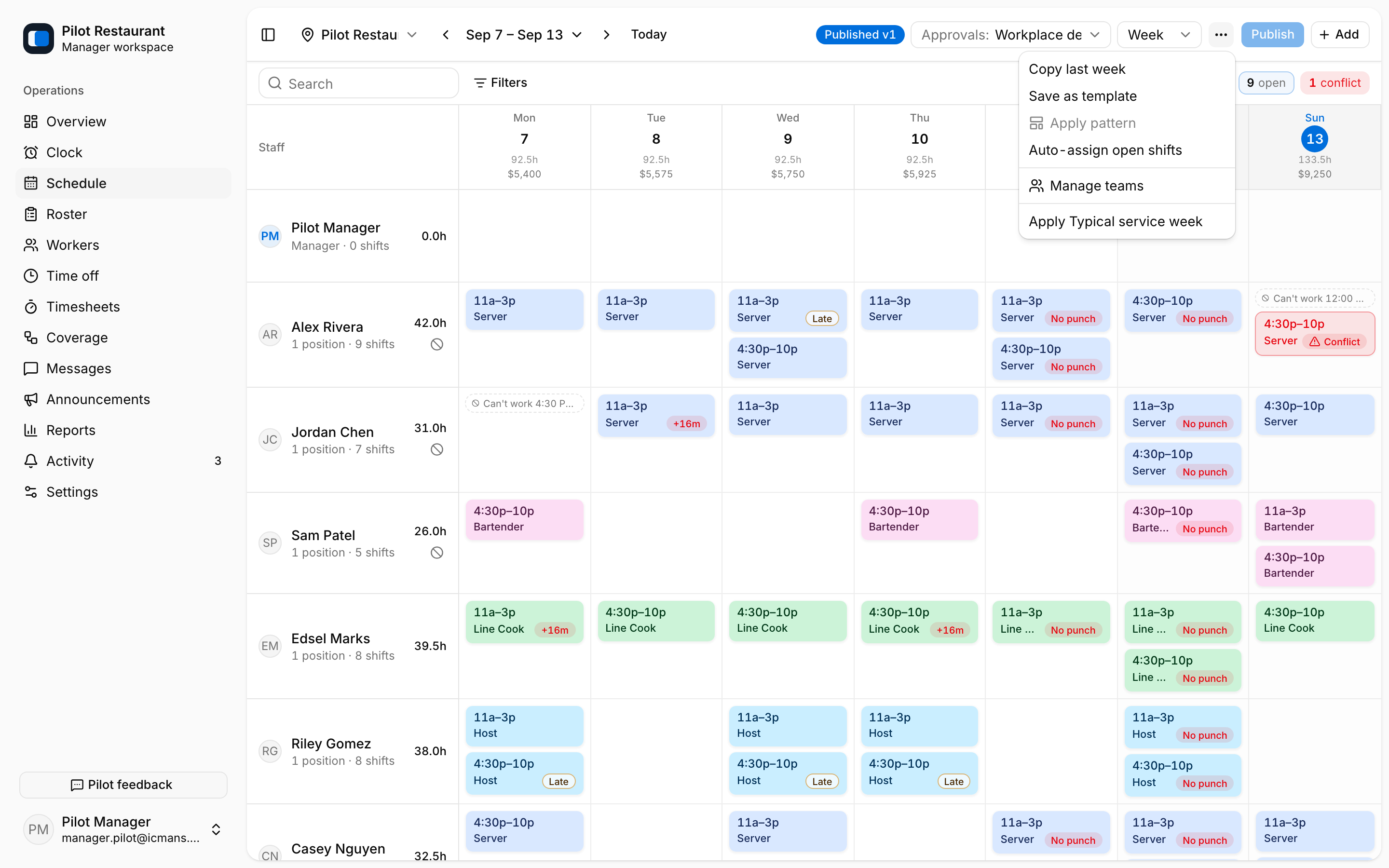
| Schedule Template | Save and apply a reusable Location week | Schedule page ⋯ menu |
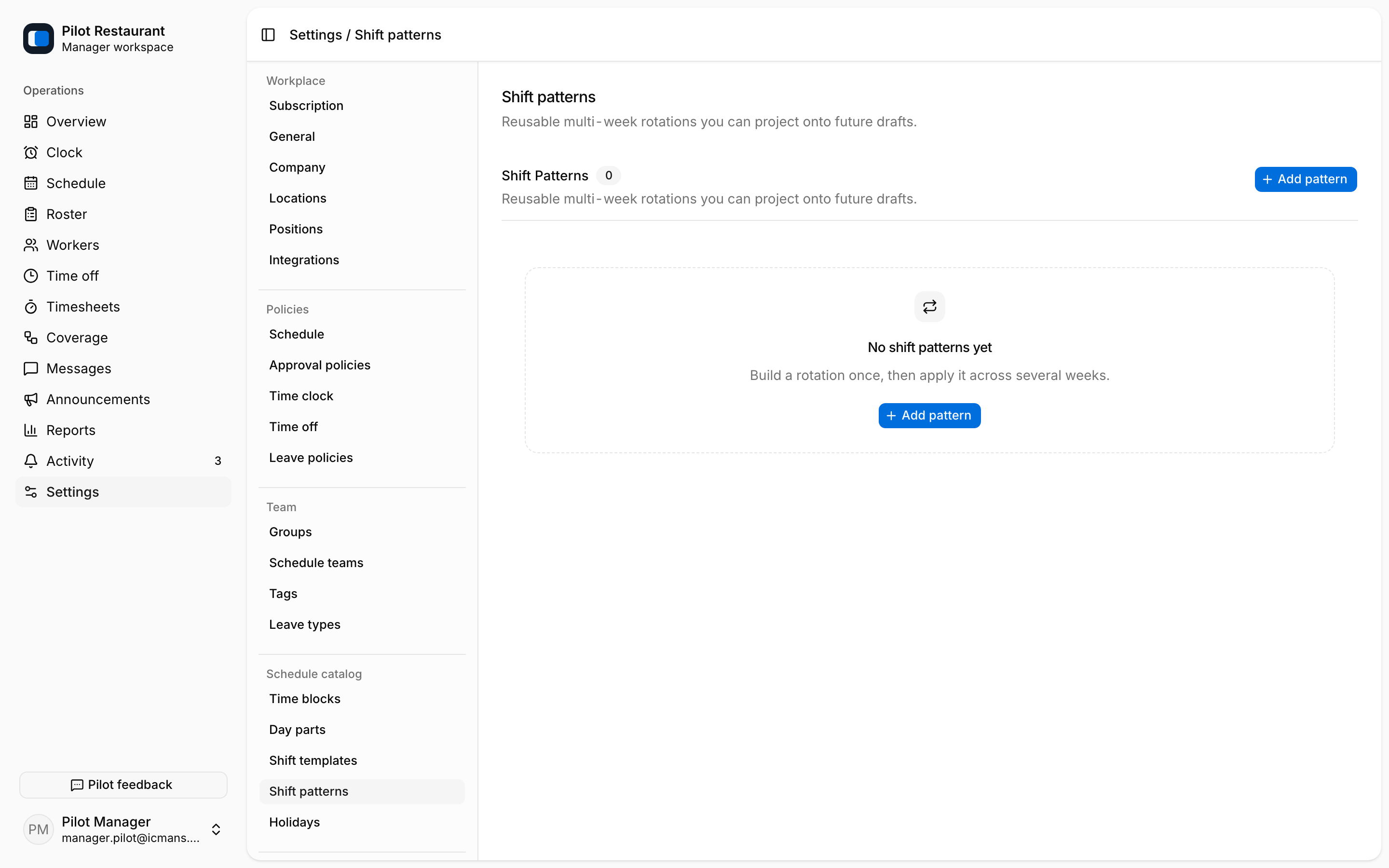
| Shift Pattern | Project a multi-week rotation and its members onto drafts | Settings → Shift patterns |
| Holiday | Show an important non-working or exceptional date on the Schedule | Settings → Holidays |
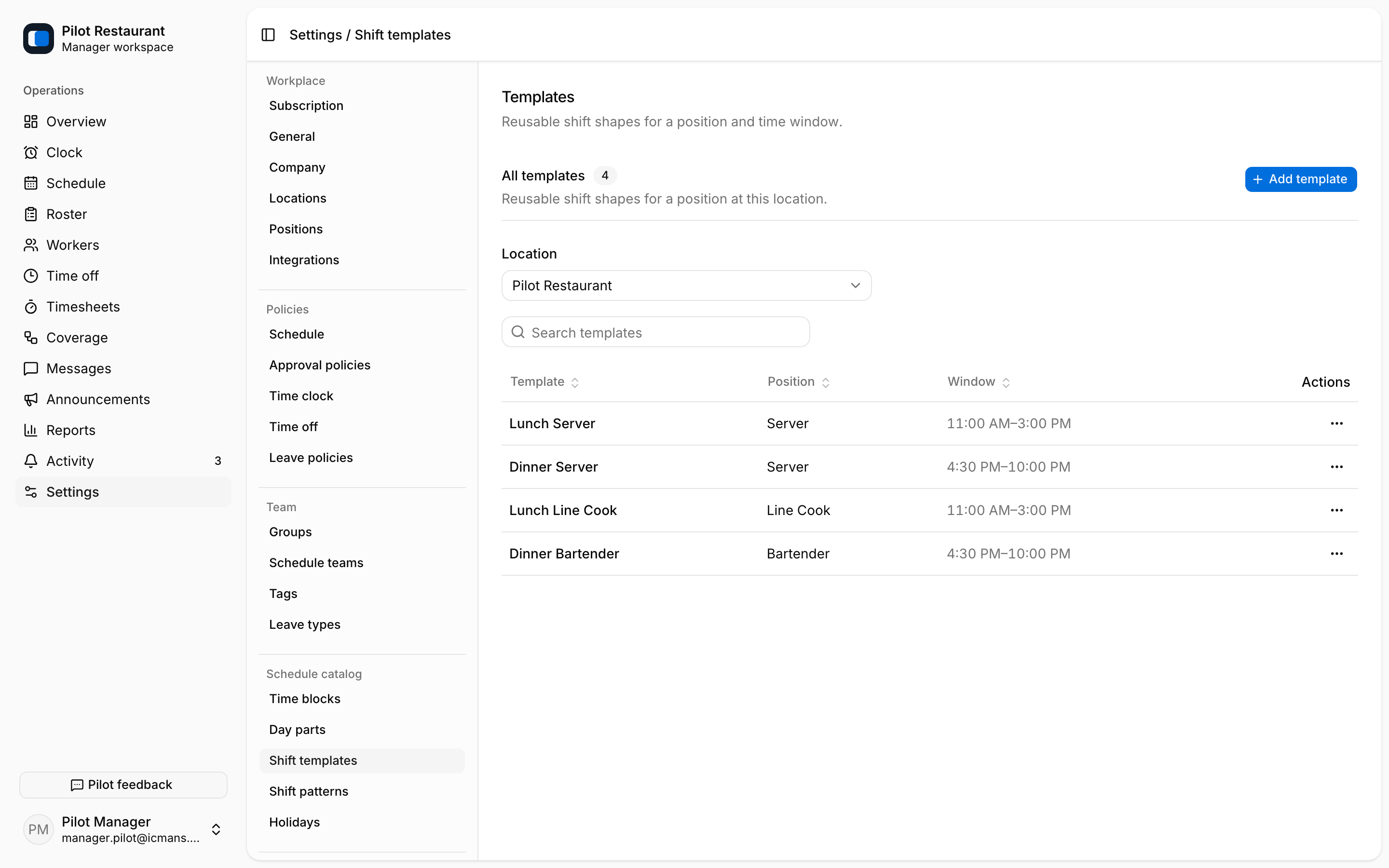
A Schedule Template has no Settings page — save the current week with Save as template in the Schedule ⋯ menu and re-apply it to any future week from the same menu.
A Shift Pattern repeats a structure over a cycle of one to eight weeks and has an ordered member list. Applying it projects shifts onto a chosen span of consecutive weeks — it is not a calendar recurrence rule.
Templates and patterns create draft work. Review the resulting dates, people, conflicts, and hours before publication. Applying a reusable item never makes the draft visible to Workers.
Update catalog items when the recurring operating shape changes. Existing published versions remain unchanged, and existing draft Shifts may need a separate edit after a catalog item is updated.