Preferences, notifications, and billing
Adjust your display, choose alerts, and manage the Workplace plan.
Personal preferences
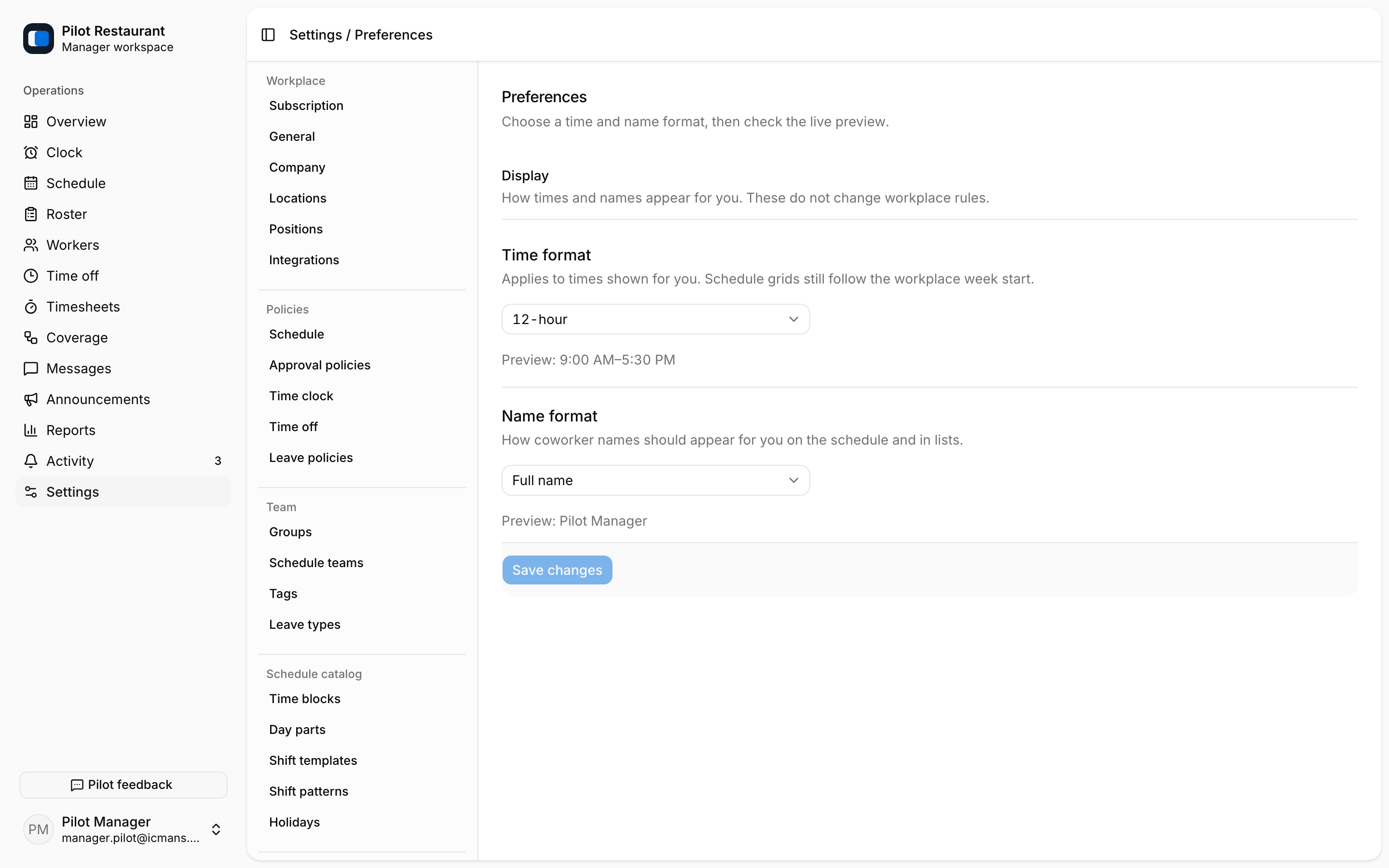
Under Settings → Preferences, control how names and times appear for you. They do not change another person's account or the Location time zone used to interpret Shifts.
Notifications
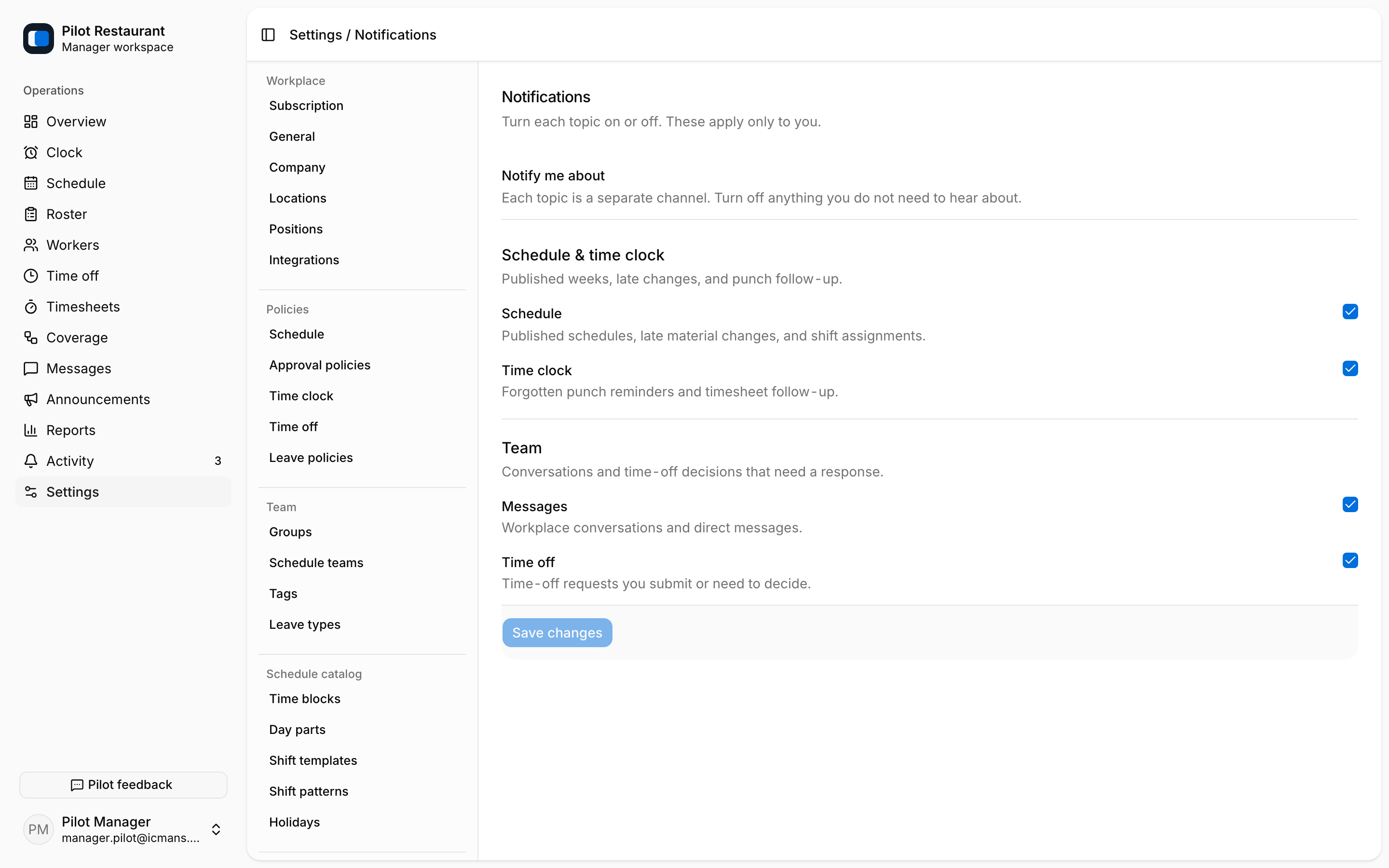
Under Settings → Notifications, choose which supported events should alert you. Device-level notification permission and jooling notification preferences both affect push alerts. Turning off push does not remove Inbox records or required actions.
Subscription
Managers with billing access can open Settings → Subscription to see the current plan, billing state, renewal date, and paid-location usage. Plan cards show the Schedule and Operations tiers with monthly or annual pricing per Location. Manage billing opens the Polar customer portal for payment details and invoices; checkout starts a Polar subscription flow.
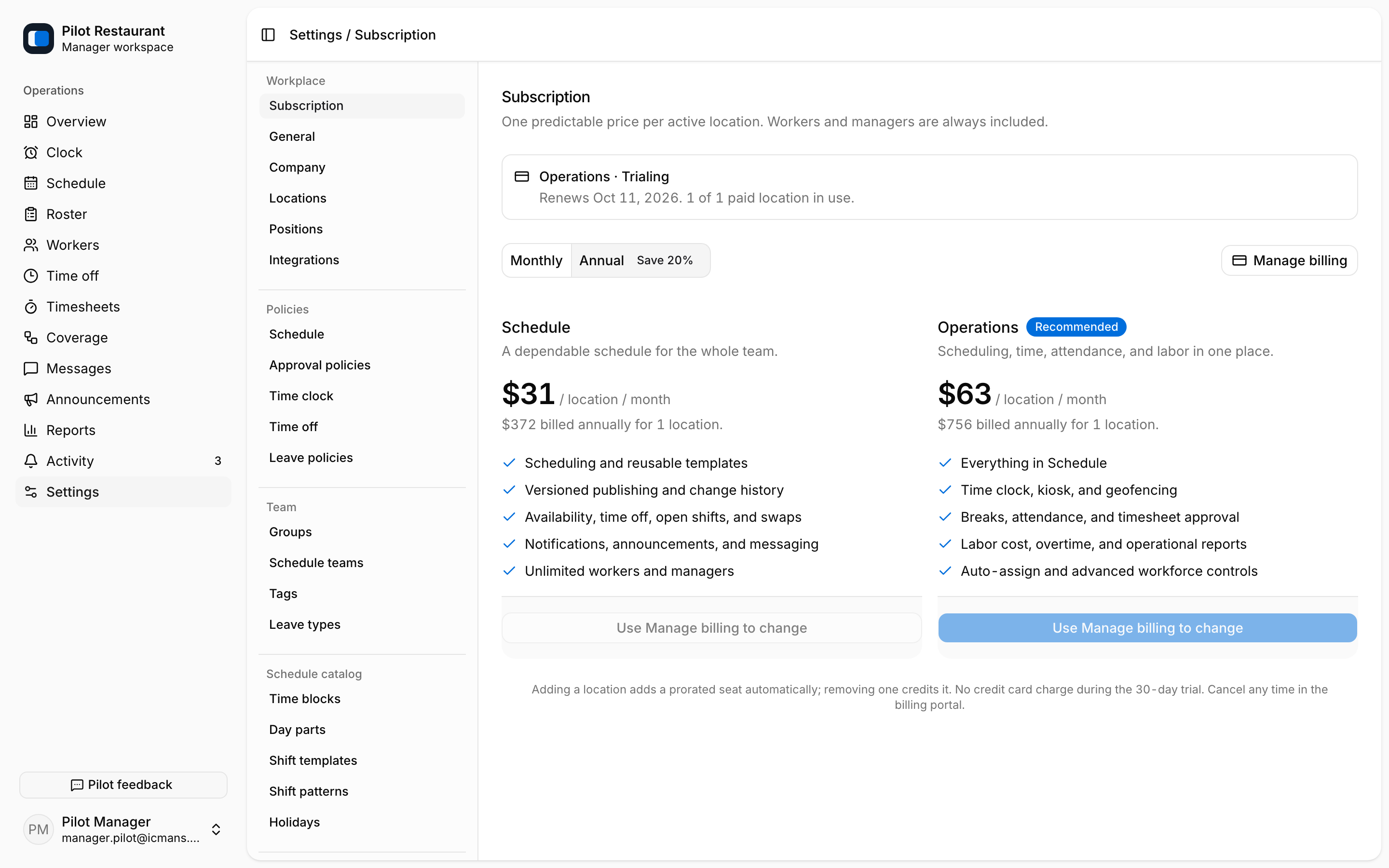
Billing belongs to the Workplace; Workers do not pay for their Employment access. If the Workplace is locked behind a billing requirement, a Manager with billing access must resolve it — do not create a second Workplace to work around a subscription issue.