Team organization
Use Groups, Schedule Teams, Tags, and Employment scope.
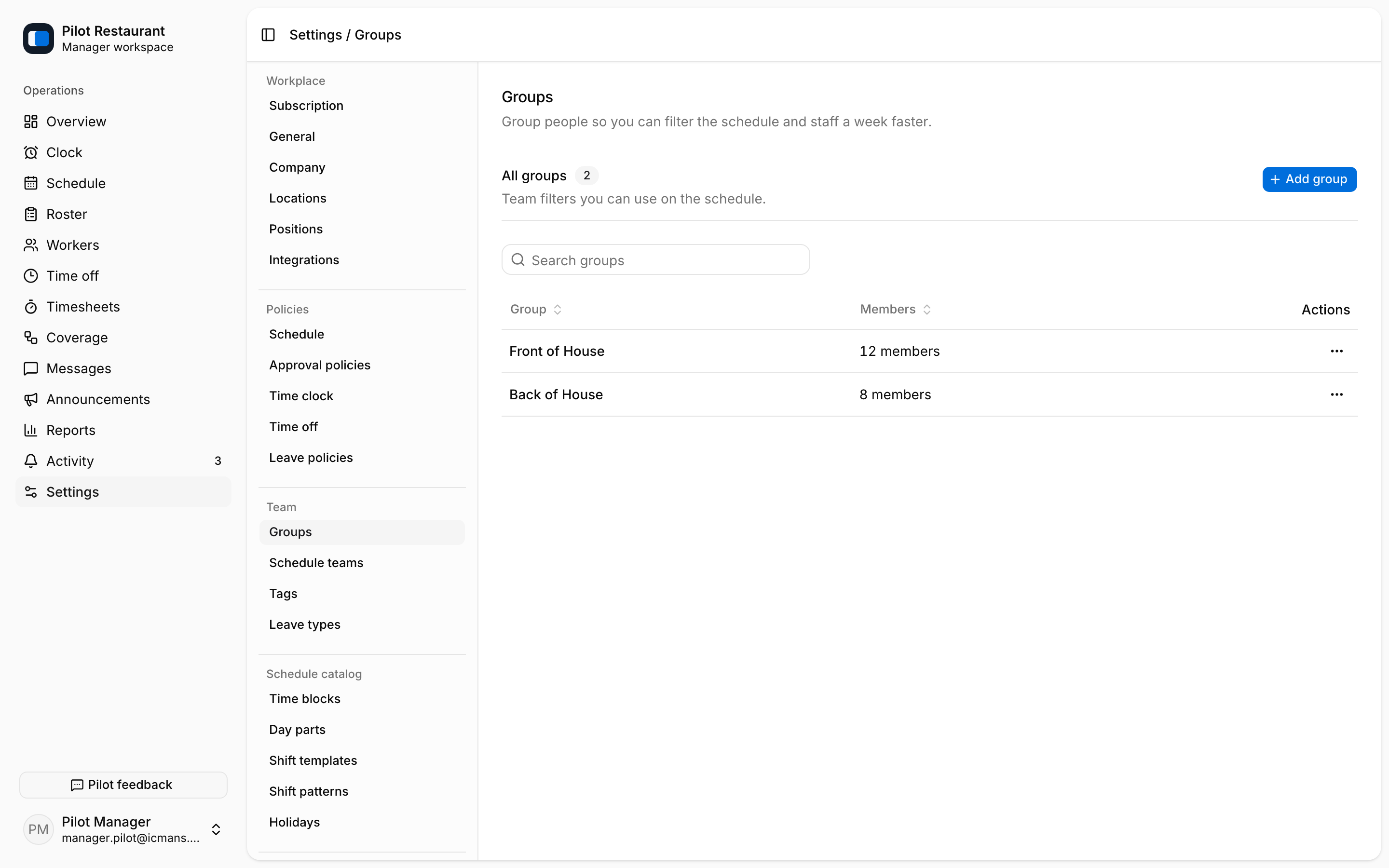
Groups are named sets of Workers used to filter the Schedule — for example Front of House and Back of House. They never change anyone's permissions.
Schedule Teams support parallel scheduling organization within a Location, each with its own color. Use them when one Location operates multiple scheduling lanes that Managers need to view separately.
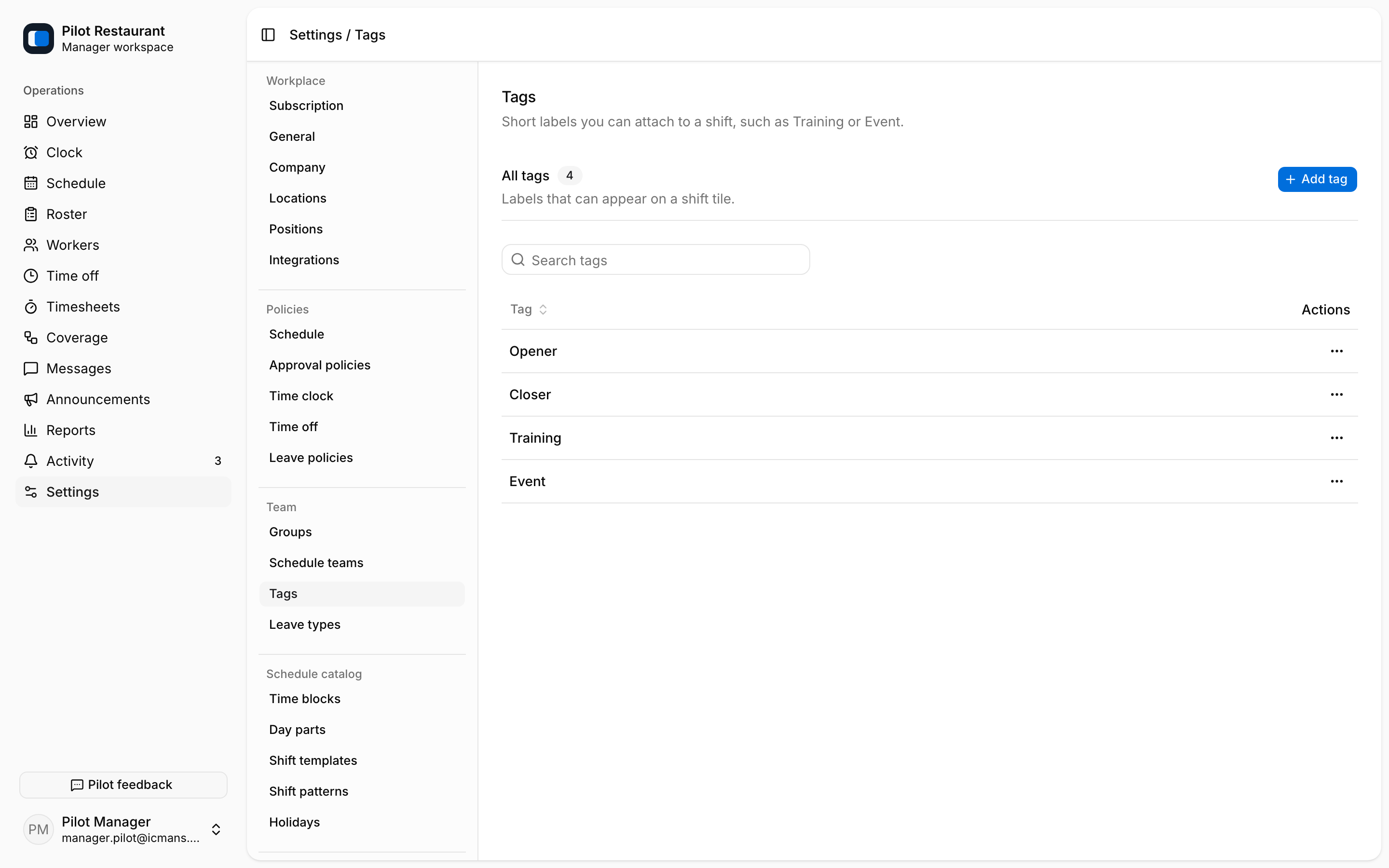
Tags label Shifts for filtering or operational context. A Tag does not replace a Position and does not grant Worker eligibility.
Employment Location and Position access determines where and in which role a Worker can be scheduled or pick up work. That scope is set on the invitation and shown on each Worker's Employment page — not by placing them in a Group.
Choose names that Workers and Managers already use. Avoid creating multiple Groups or Tags with overlapping meanings; this makes schedule filters difficult to trust.