Time off and leave settings
Configure request eligibility, Leave Types, balances, and approval chains.
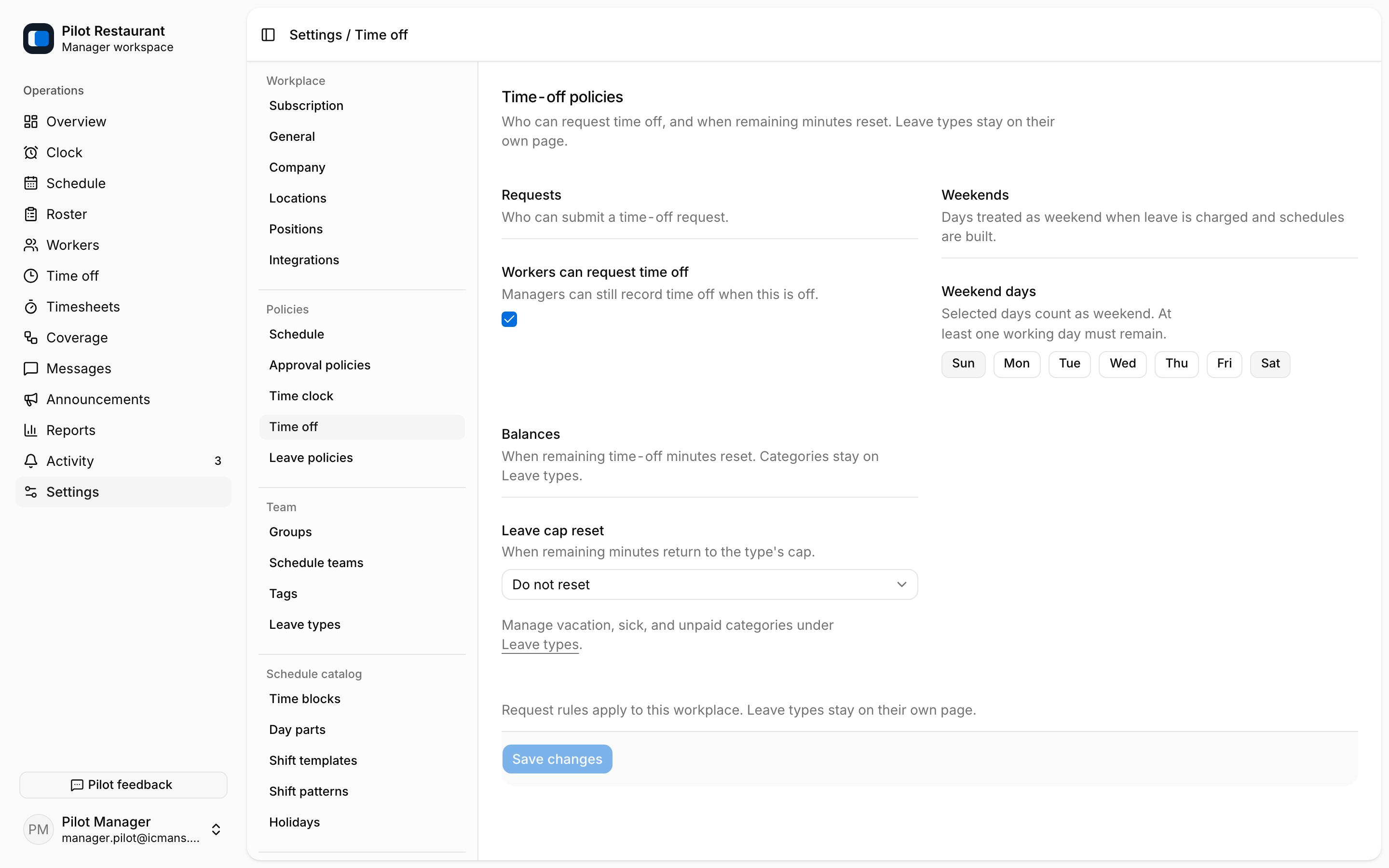
Use Settings → Time off to control who can request time off, which days count as the weekend, and how leave caps reset (never, calendar year, hire date, or a custom date).
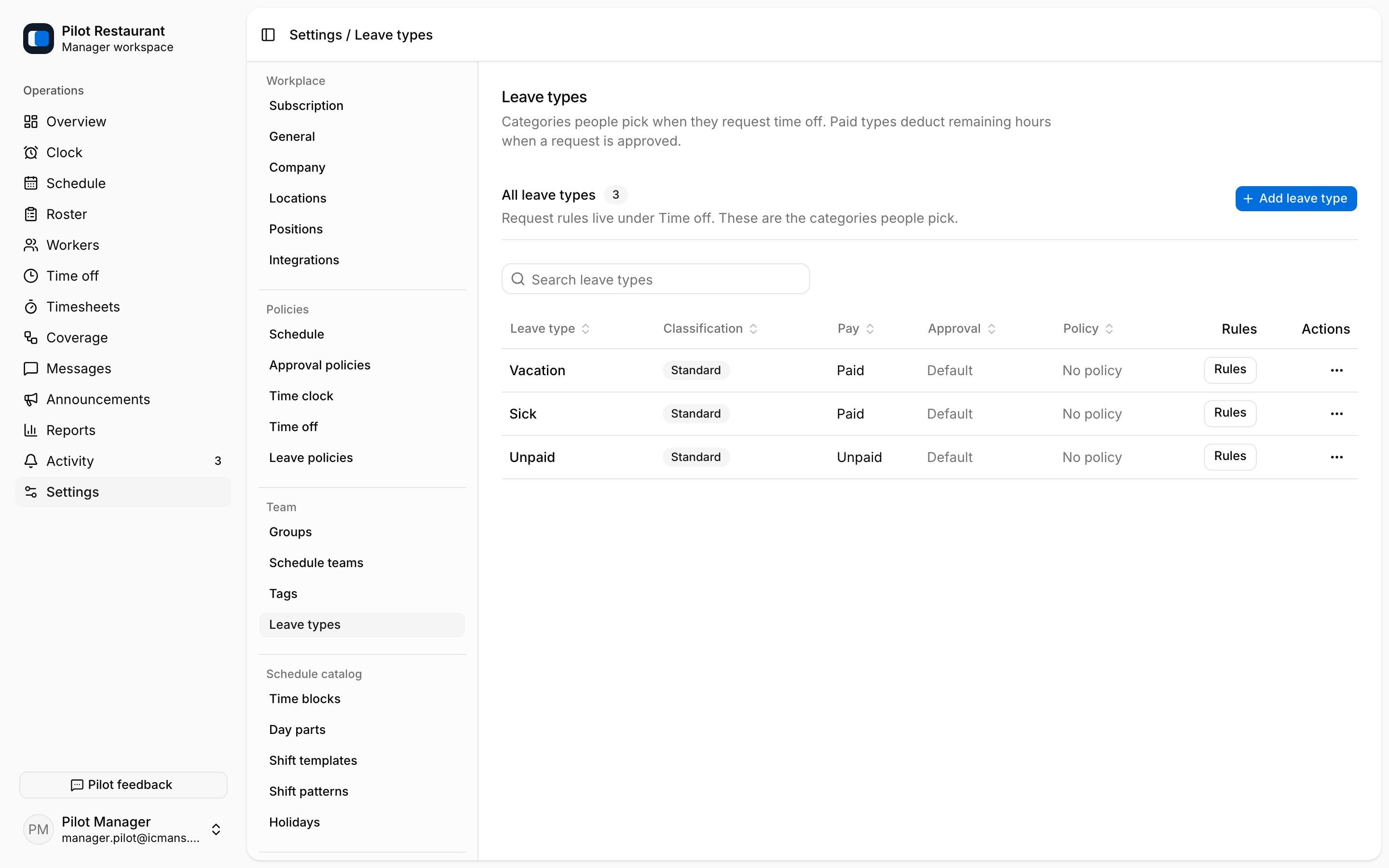
Use Settings → Leave types for Workplace categories such as vacation, sick, or unpaid — each with classification, paid status, and an optional approval chain.
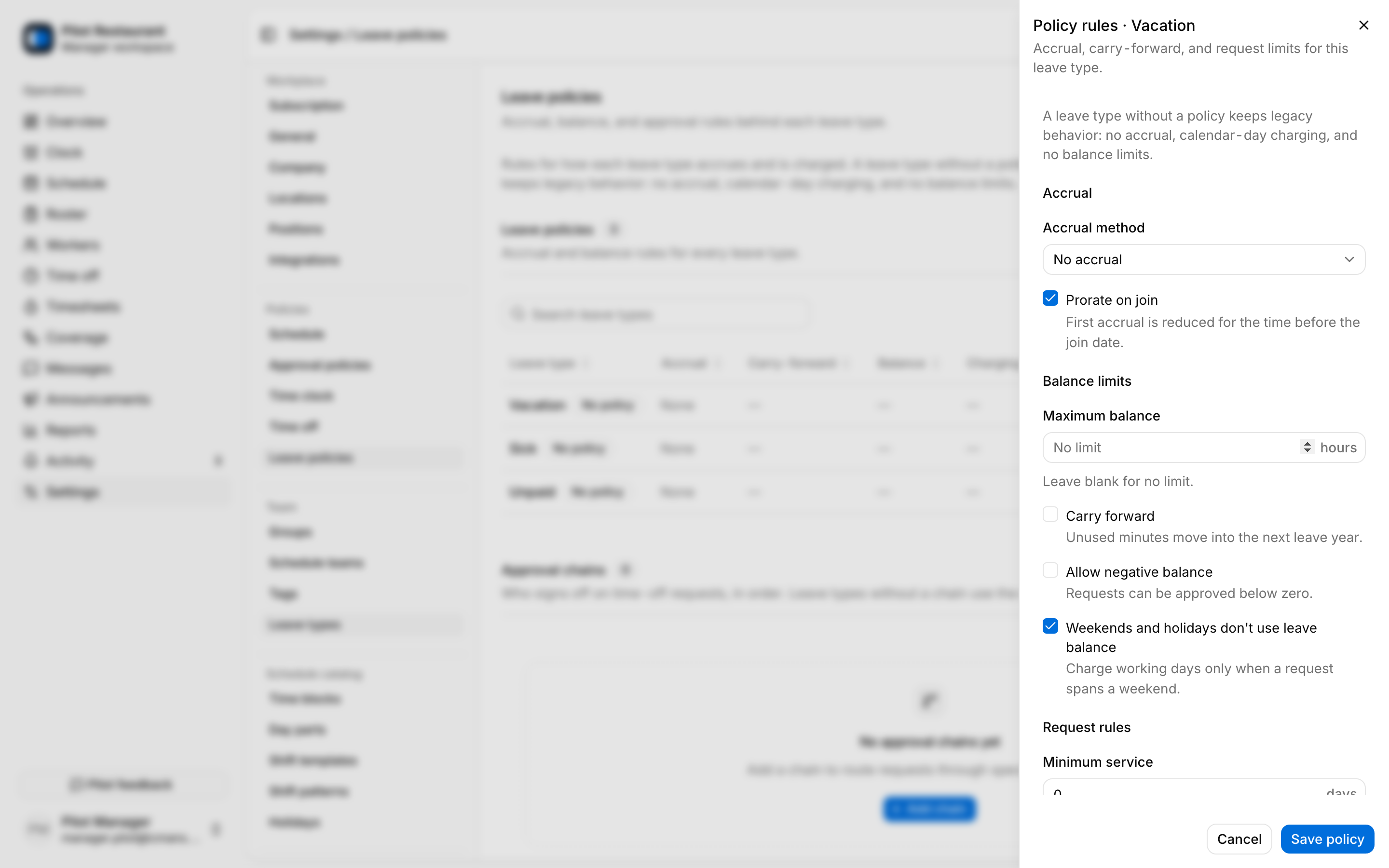
Use Settings → Leave policies for the rules behind each type: accrual method and amount, carry-forward, maximum and negative balances, request rules (minimum service, notice, maximum consecutive days, when a document is required), and encashment.
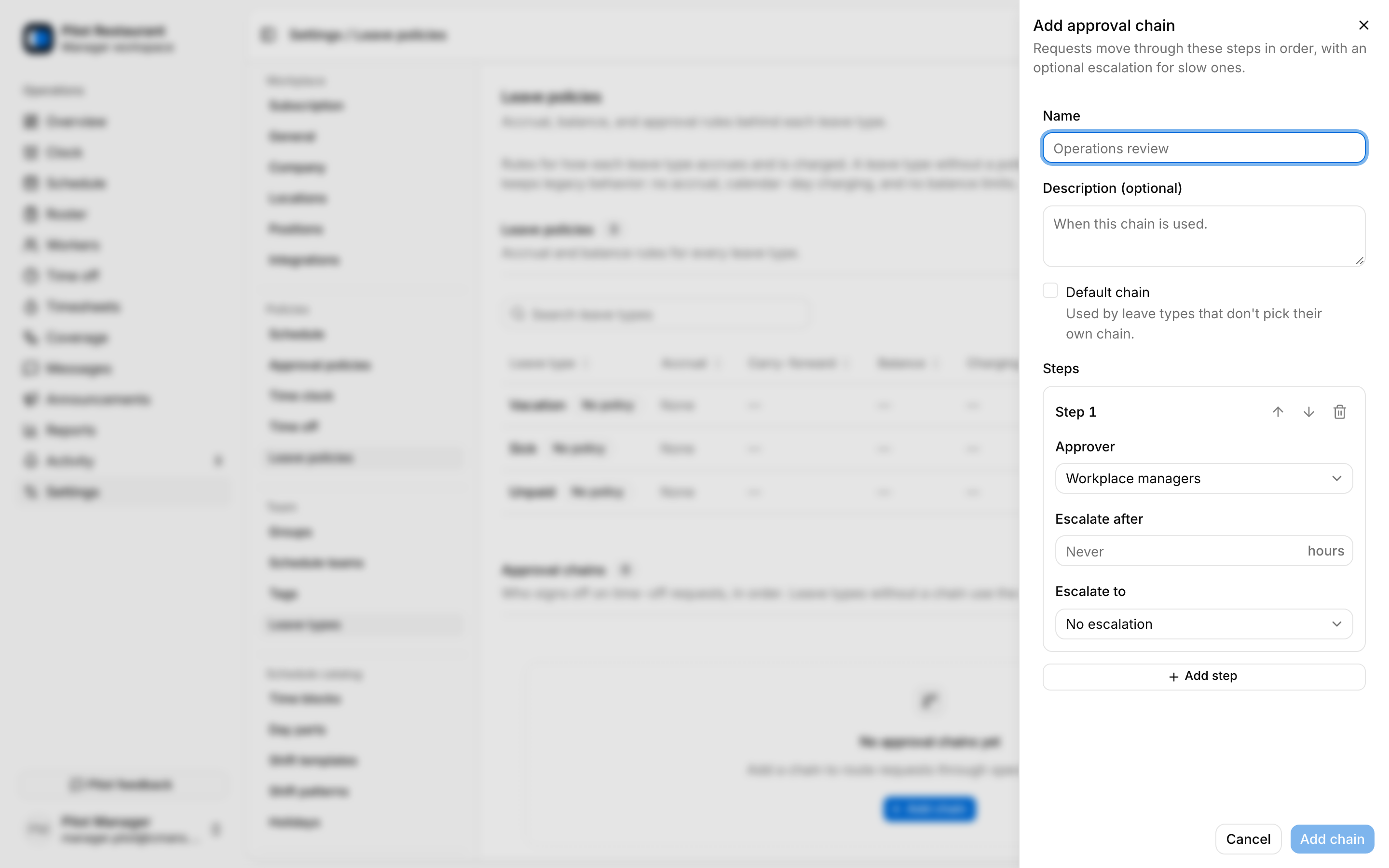
Approval chains order the Managers who decide a request — up to ten steps, each with an approver and optional escalation timing.
Setup order
- Create clear Leave Types.
- Configure the policy for each type.
- Add approval steps and responsible Managers.
- Set or import starting balances where applicable.
- Test a representative request before announcing the process.
A PTO Balance is stored in hours for one Employment and Leave Type. Approved time off appears in conflict checks, but it remains distinct from Unavailability. If a policy changes, explain the effective date to Workers and avoid implying that old decisions were recalculated unless the product shows that result.