Schedule and approval policies
Control visibility, shift exchanges, rest rules, and manager decisions.
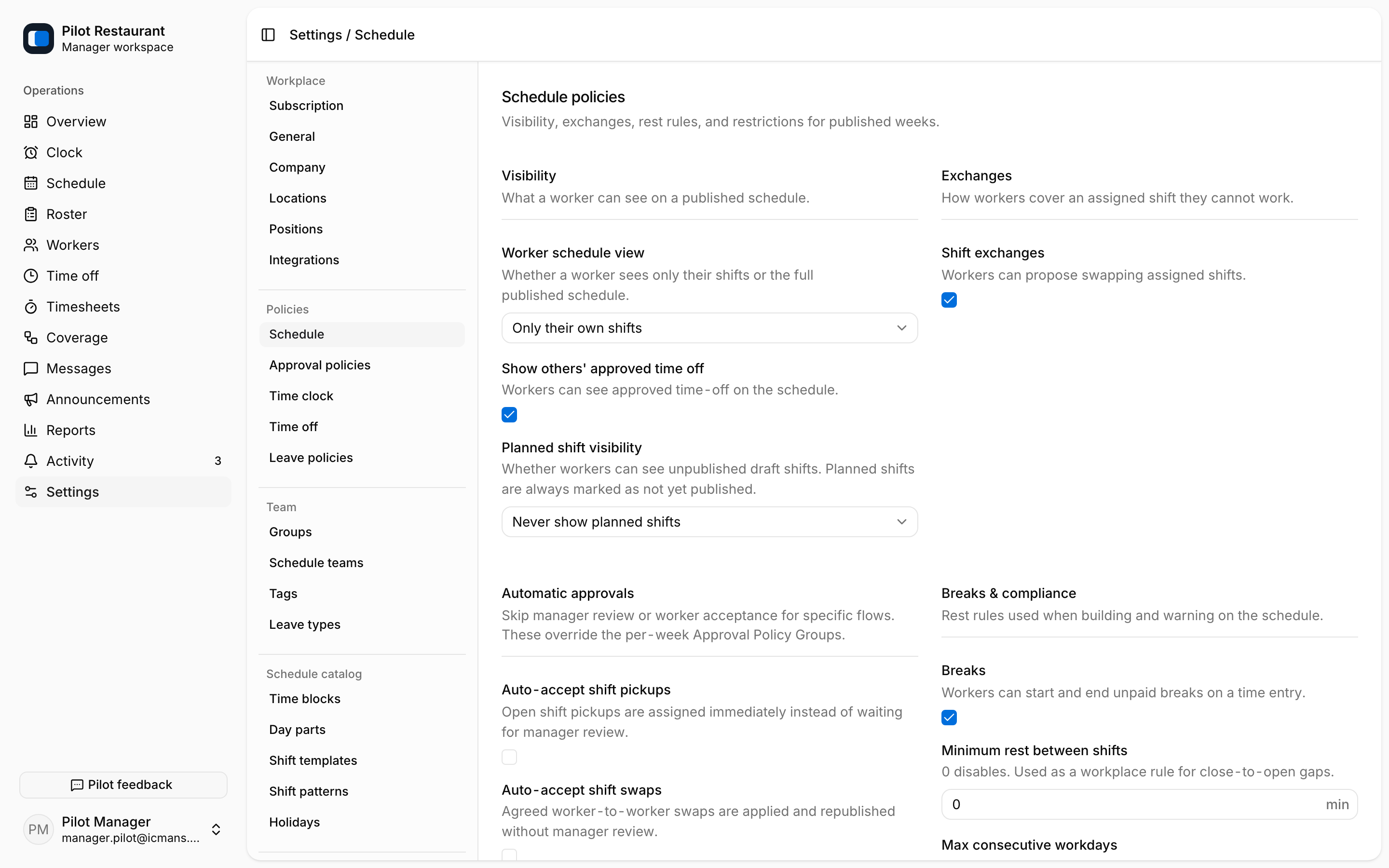
Use Settings → Schedule for what Workers see and how Shifts move between people:
- Visibility — whether workers see everyone's shifts or only their own, whether others' approved time off is visible, and how far ahead planned shifts appear.
- Shift exchanges — whether releases, pickups, and swaps are available at all.
- Automatic approvals — pickups, swaps, releases, and late schedule changes can take effect immediately or wait for a Manager decision.
- Breaks & compliance — minimum rest between shifts and the maximum run of consecutive workdays.
- Restrictions — whether Unavailability needs approval before it counts.
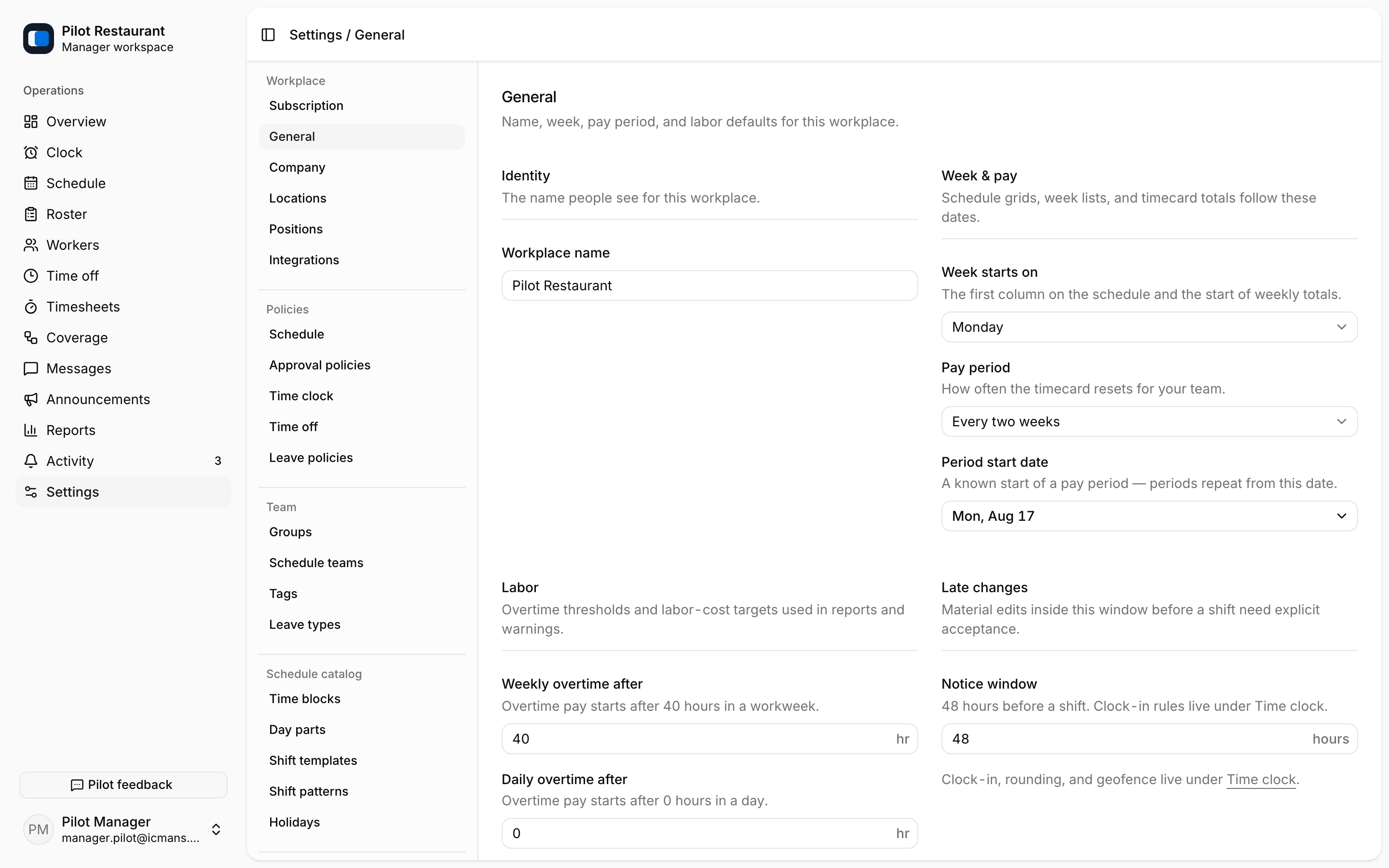
The Notice Window — when a new or materially changed Shift needs a Worker's explicit acceptance — lives under Settings → General → Late changes.
Approval policies
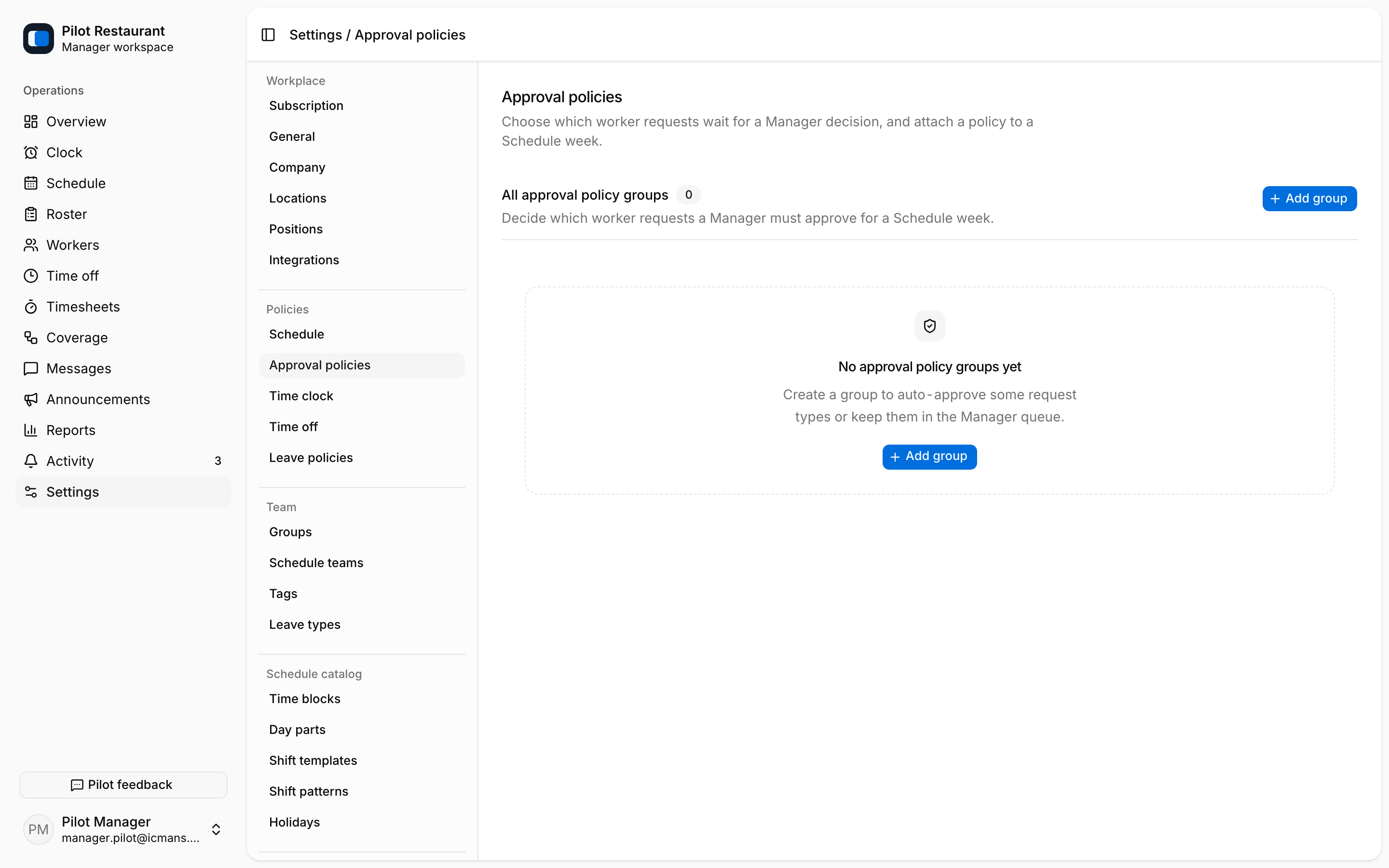
Use Settings → Approval policies to create Approval Policy Groups. Each group chooses, per request type — Time off, Unavailability, Shift release, Shift pickup, Shift swap — whether a Manager decision is required. A group is attached to a Schedule week on the Schedule page; weeks without a group fall back to the workplace default.
Policy principles
- Acknowledgement and Shift Acceptance always remain separate.
- A release or swap does not transfer responsibility before final approval.
- Shortening the Notice Window affects future change classification; it does not erase existing responses.
- Approval settings should match how the Workplace actually operates.
After changing a policy, walk through one representative request or future draft with another Manager before relying on it broadly.